Alaya Lab Activation
Alaya Lab (ALab) seamlessly integrates the flexible interaction of lightweight Cloud Container Instances (CCI) with the powerful computing of HyperTrain, providing users with an end-to-end development environment from code writing and debugging to large-scale model training.
One-Click Activation
The platform supports one-click activation of ALab based on the platform-recommended default configuration.
- DCU balance in computing account must be greater than 0.
- Cash account balance must be greater than 10.
- The number of Alaya Labs opened by the current account and its enterprise must not reach the limit (3 | 20).
- The number of NAS storage opened by the enterprise must not reach the limit (30).
Main Steps
Log in and go to Product Center -> Alaya Lab.
Click One-Click Development to enter the workbench:
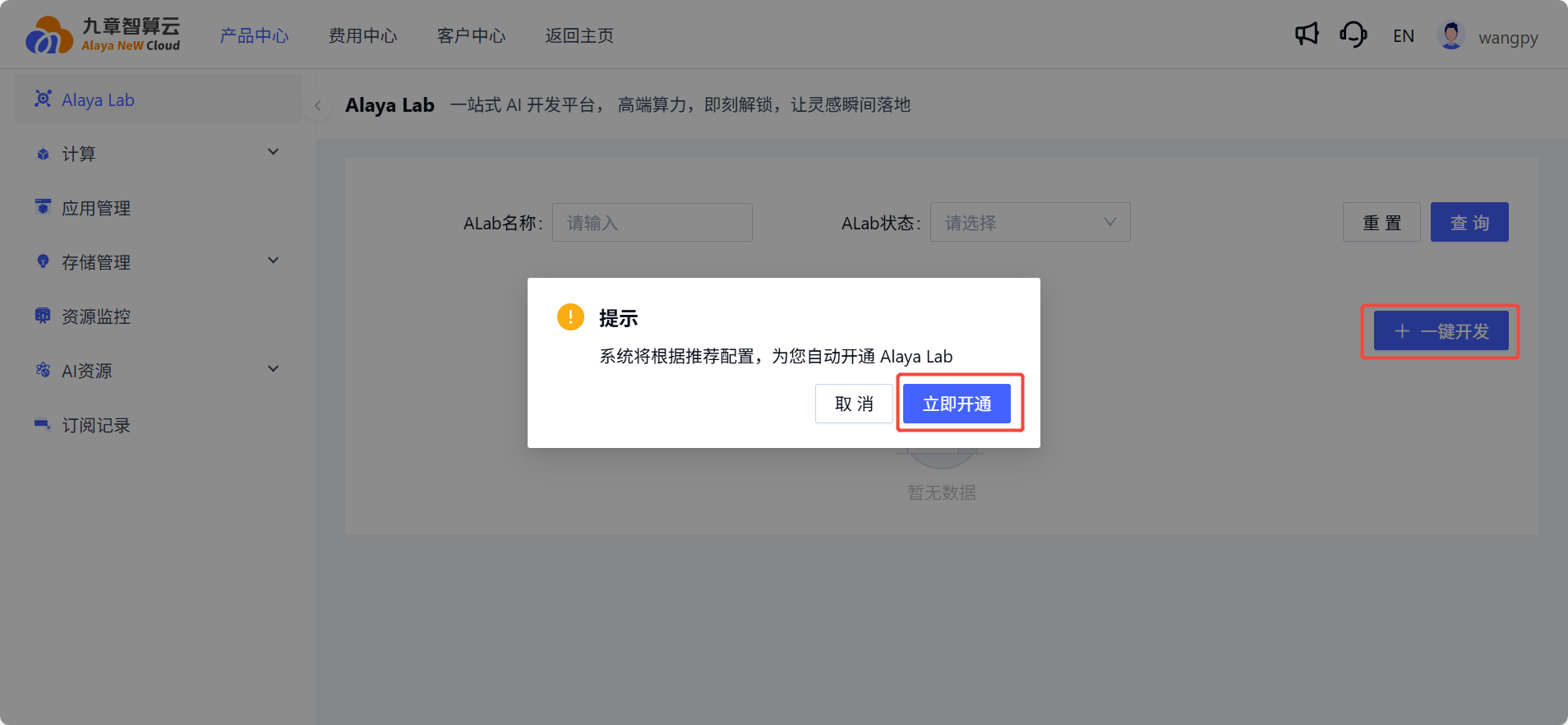
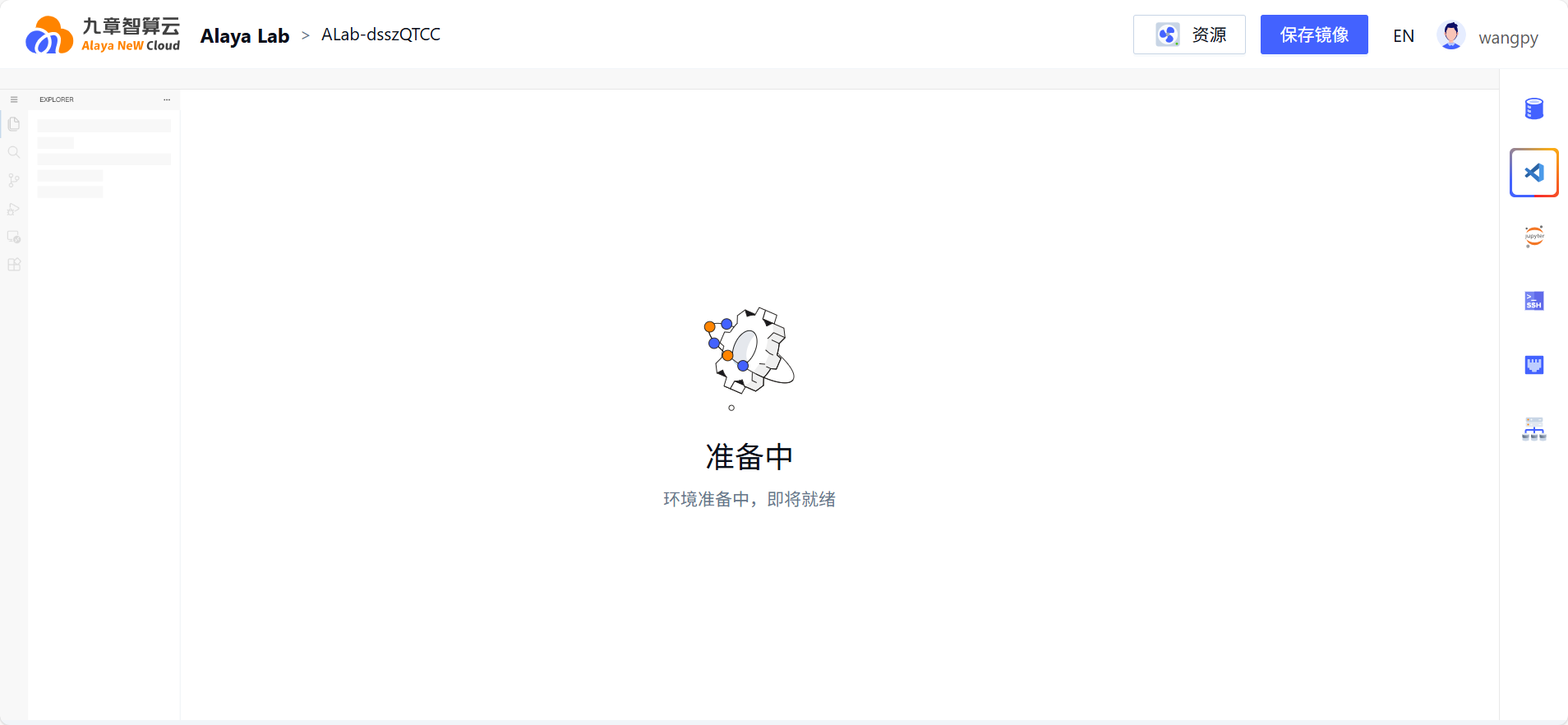
- Wait for the activation to complete. The system will submit activation information, pull images, and prepare the development environment.
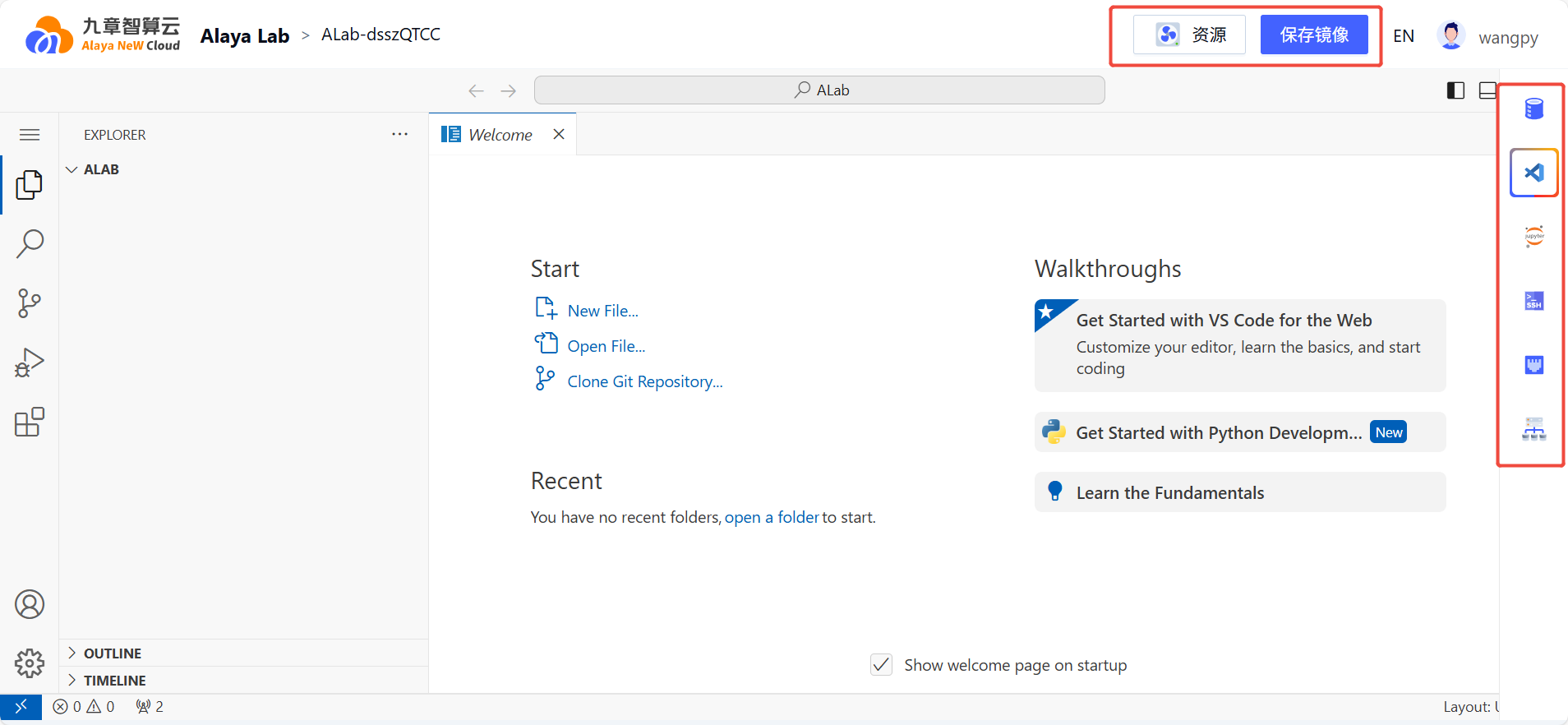
- You can operate the top menu and right-side menu of the workbench.
- In the
Elastic Configurationwindow, you can power on/off, switch computing resources, modify images, environment variables, and storage configuration. (See theModify Configurationsection for details)
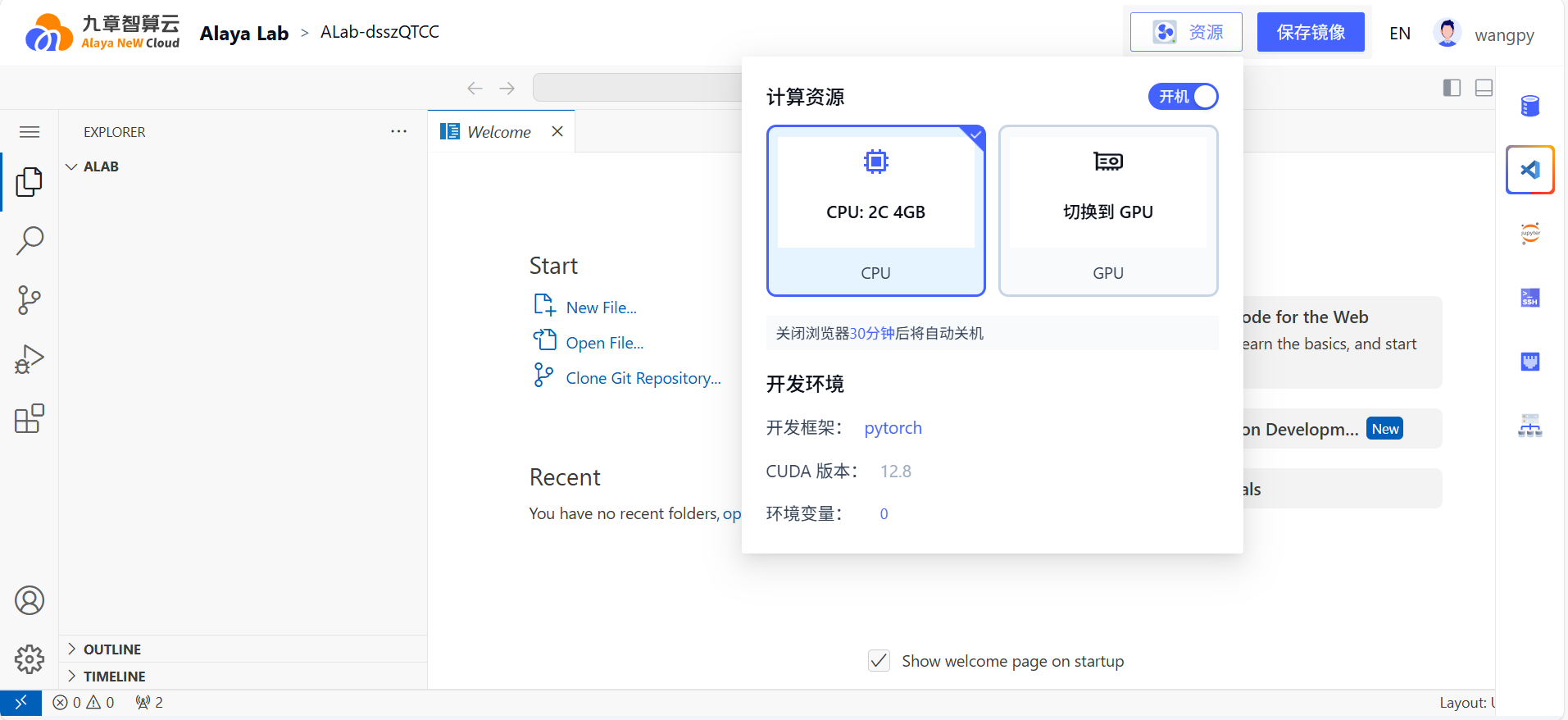
- The system will restart automatically after saving the configuration.

Exception Handling
- If the DCU balance drops below 0, the running Alaya Lab will switch to
Hibernatingstatus. You can manually power it on after the balance is restored. - Alaya Lab will also automatically enter
Hibernatingstatus in the following cases: browser closed for 30 minutes, computer locked for more than 30 minutes, or computer hibernated/slept for 30 minutes.