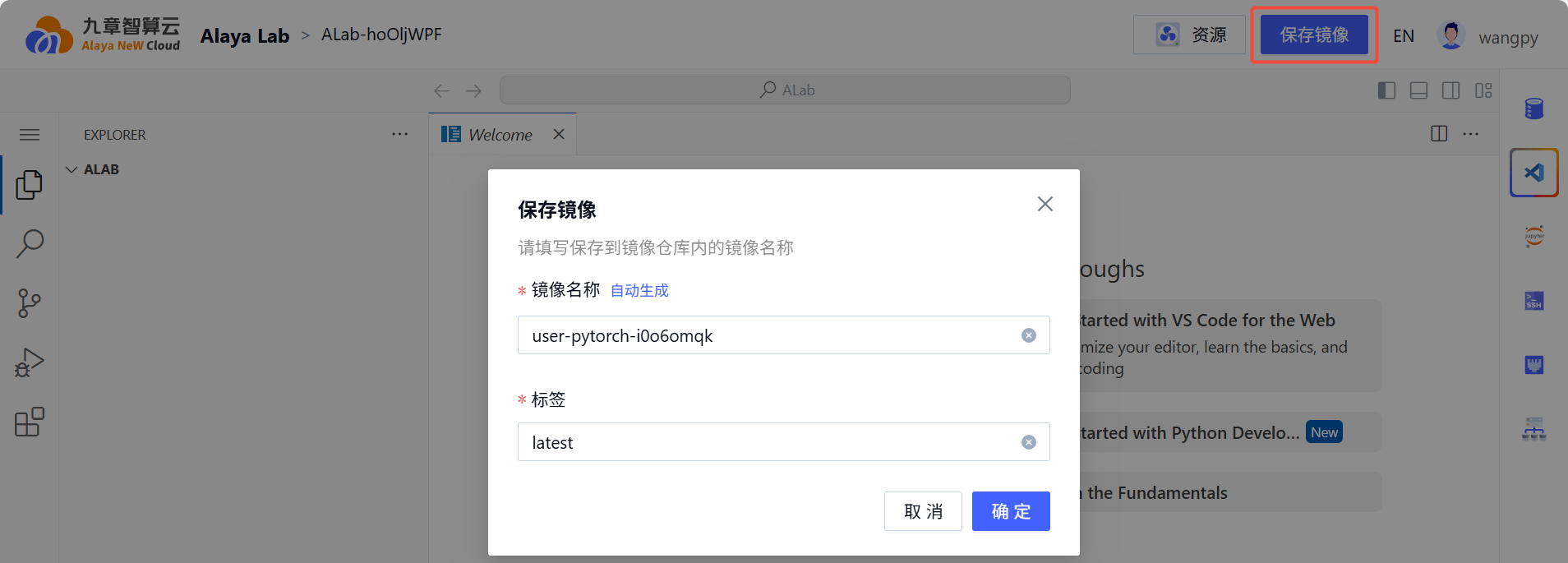
Modify Configuration
Configuration can be modified and the system restarted when Alaya Lab is in Running, Hibernating, or Failed status.
Computing Resources
Go to Product Center -> Alaya Lab -> (Top Menu) Elastic Configuration.
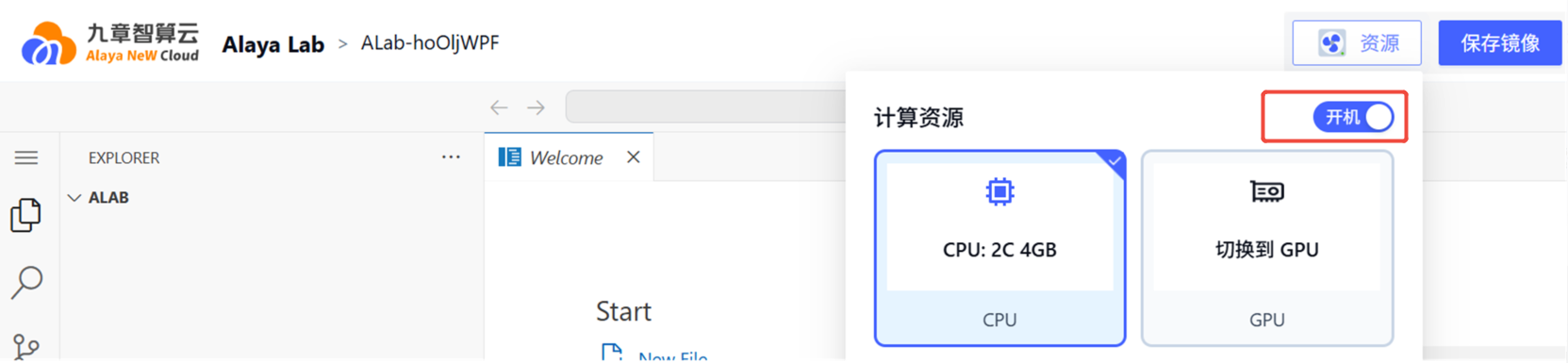
Default resource: CPU: 2C 4GB.
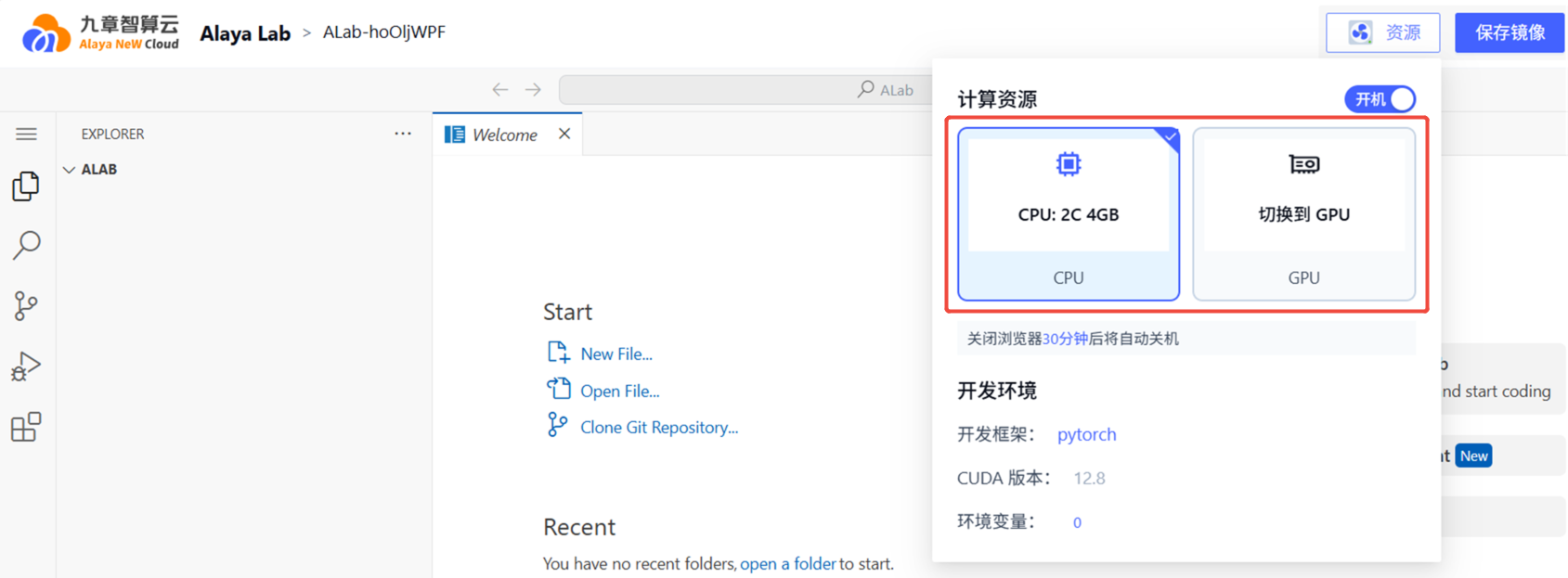
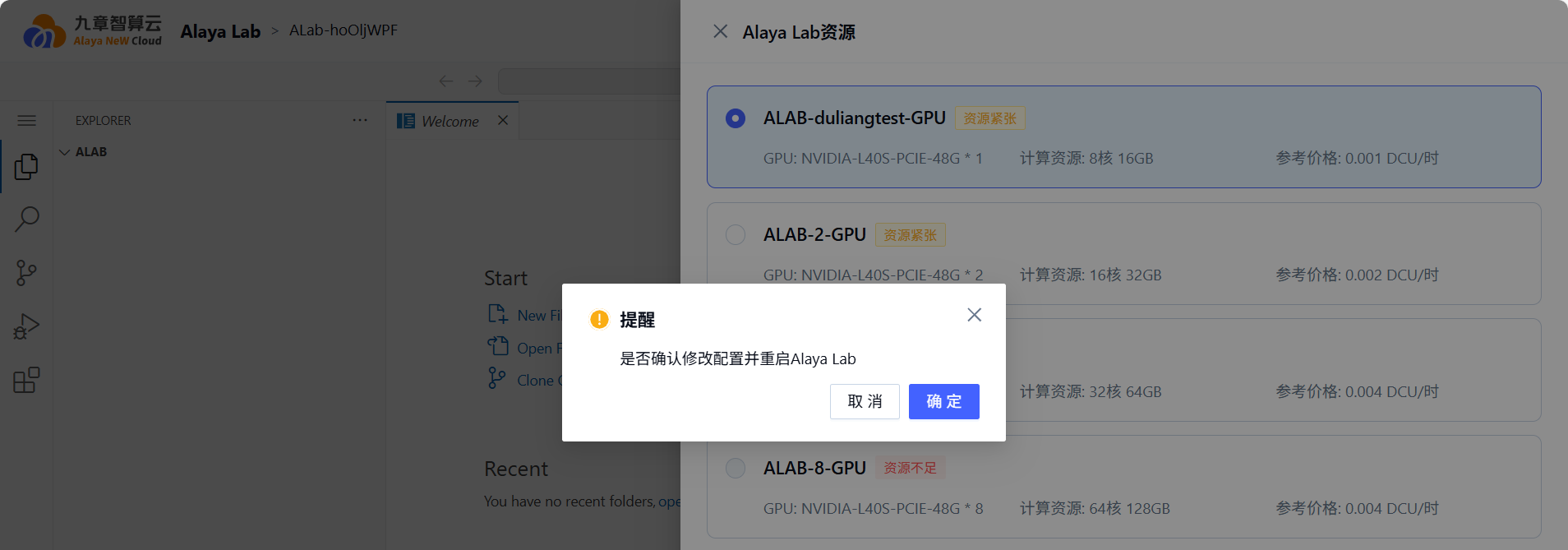
Click the GPU tab to view the GPU resource list. Restart as prompted after modification.
Development Environment
Go to Product Center -> Alaya Lab -> (Top Menu) Elastic Configuration.
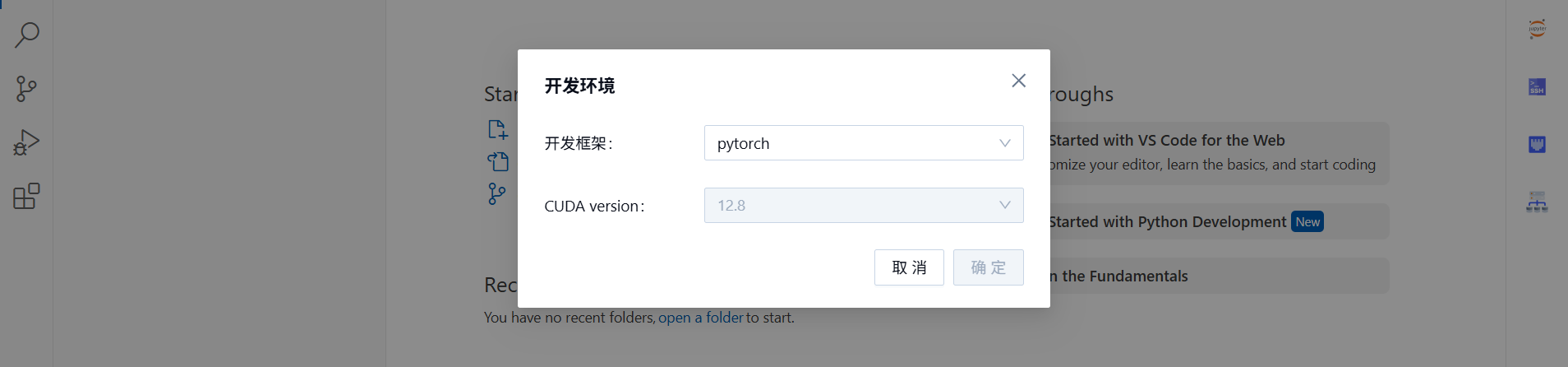
Default environment: Framework: PyTorch, CUDA Version: 12.8.
Environment Variables
Go to Product Center -> Alaya Lab -> (Top Menu) Elastic Configuration.
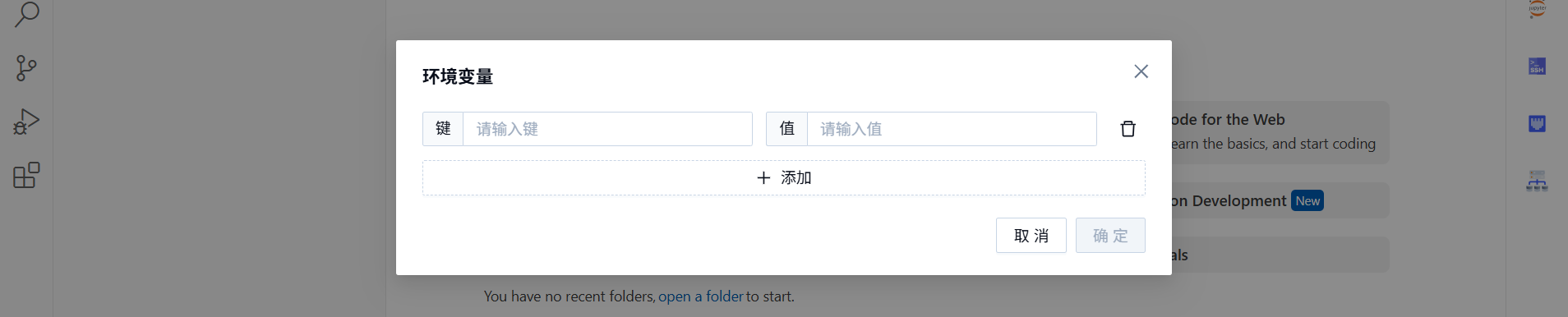
Click "Add" to set environment variables.
Storage Configuration
Go to Product Center -> Alaya Lab -> (Right Menu) Storage.
Click the "Storage" icon.

Set storage resources in the expanded drawer panel.
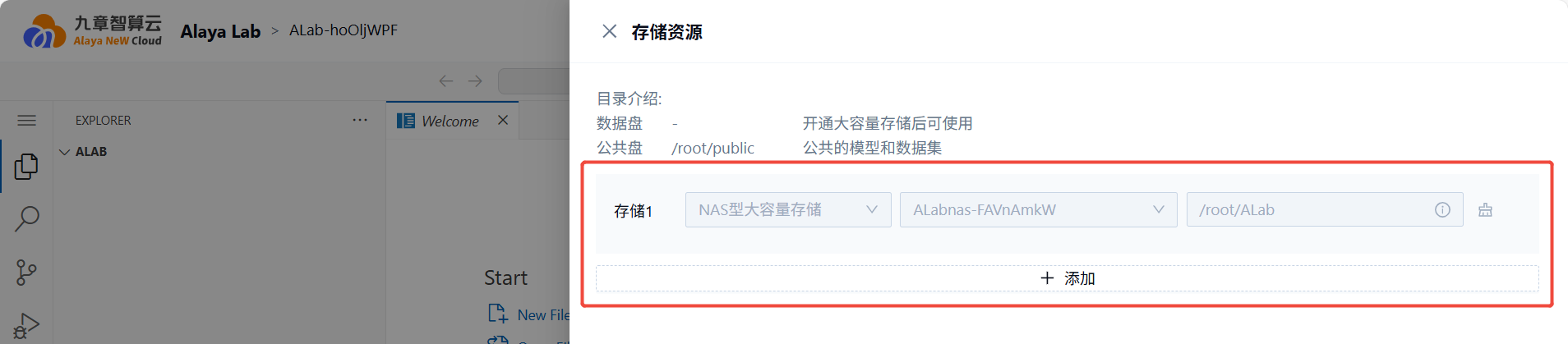
The NAS Storage activated together with Alaya Lab will be automatically mounted.
Other
- Power On / Hibernate: Go to Product Center -> Alaya Lab -> (Top Menu) Elastic Configuration. Toggle the switch to change between
Power OnandHibernate.
- Save Image: When Alaya Lab is in
Runningstatus, you can save the image. Go to Product Center -> Alaya Lab -> (Top Menu) Save Image.