
Install LLaMA Factory in a CCI instance and run a LoRA SFT pass via the WebUI (Llama-3-8B-Instruct as the example)
LLaMA Factory is an open-source low-code framework for LLM fine-tuning that ships with most mainstream techniques. This tutorial walks through deploying LLaMA Factory inside an Alaya NeW CCI instance and running LoRA SFT on llama3-8b-instruct.
Prerequisites
- Alaya NeW enterprise account; if not registered, see account registration.
- Sufficient balance to cover an H800A × 1 CCI instance. For pricing details, contact us.
Step 1: Create a CCI instance
-
Sign in to Alaya NeW and go to Product → Compute → Cloud Container Instance.
-
Click New Cloud Container and configure the instance:
- Resource type: pick
Cloud Container Instance — GPU — H800A — 1 card - Reference table:
Field Description Requirement Required Instance name Unique identifier Letter-prefixed; letters / digits / -/_; 4–20 charsYes Description Free-form notes — No Region Data center e.g. Beijing-3, Beijing-5 Yes Billing Currently pay-as-you-go only — Yes Resources Resource type / GPU / CPU / disk As needed Yes Storage Mount NAS Optional No Image Public (base / app) or private — Yes Other Env vars, auto-stop, auto-release — No - Resource type: pick
-
Click Activate, confirm in the dialog, and click OK.
-
Wait until the instance state becomes
Running.
Step 2: Install LLaMA Factory
-
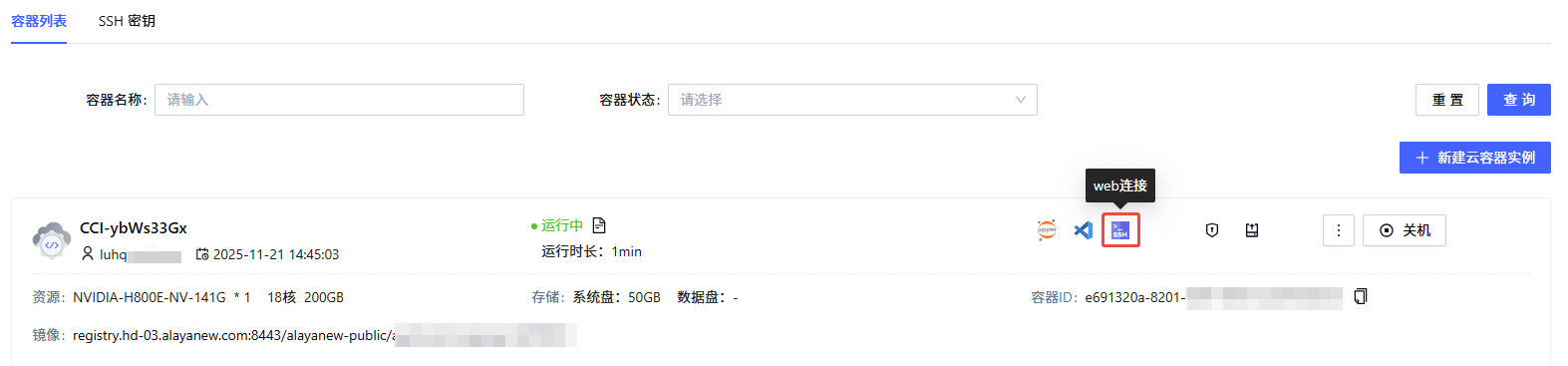
In the instance list, click the Web Connect icon to open a shell.
-
In the shell:
git clone --depth 1 https://github.com/hiyouga/LLaMA-Factory.git cd LLaMA-Factory pip install -e ".[torch,metrics]" -
Verify:
llamafactory-cli versionA version banner means the install succeeded.

Step 3: Launch the LLaMA Factory Webui
-
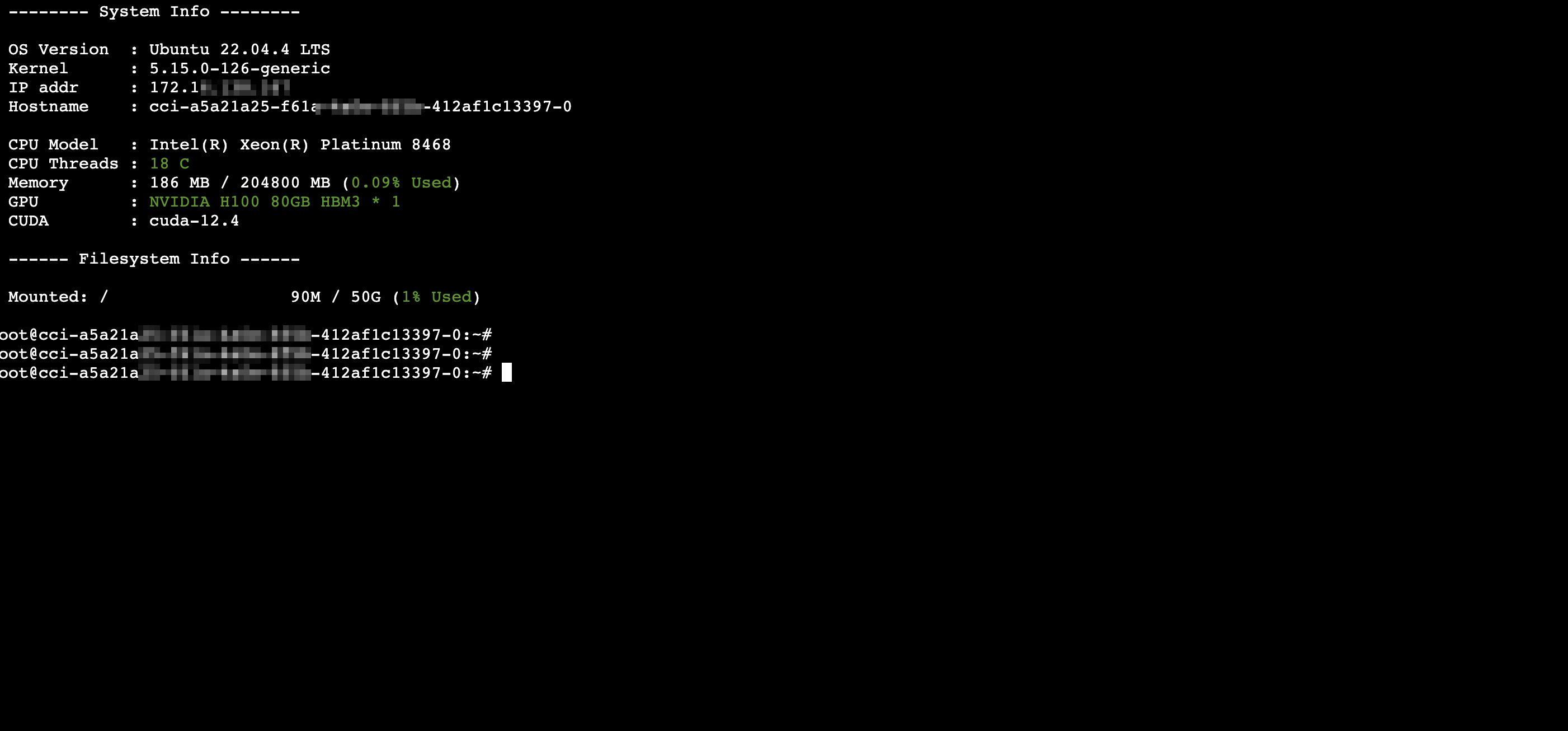
Open a Web Connect shell again (or use SSH; see SSH access).
-
Start the Webui:
cd /app
GRADIO_SERVER_PORT=9001 llamafactory-cli webui
-
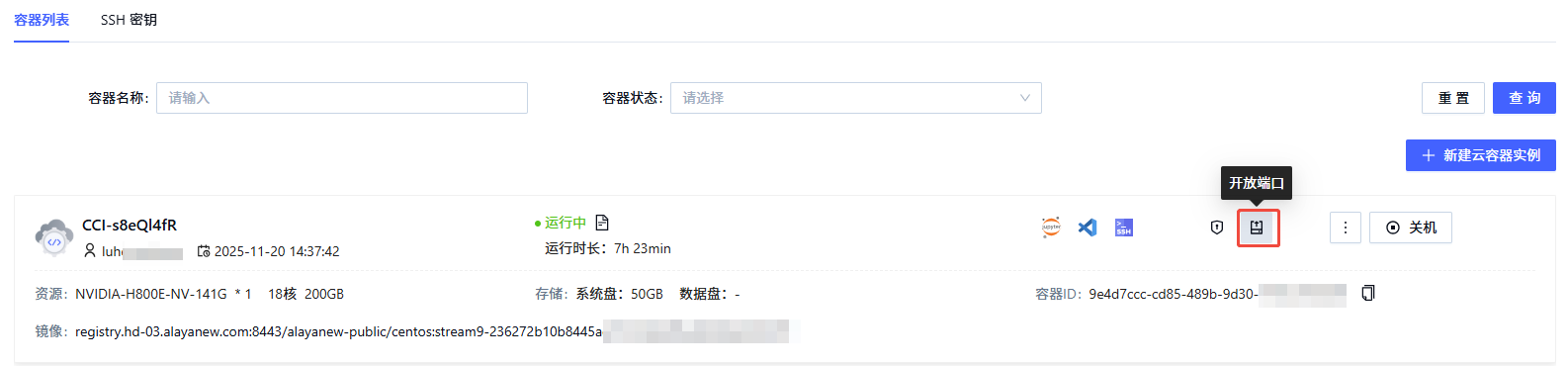
In the instance list, click the Open ports icon to grab the external address mapped to port 9001.
-
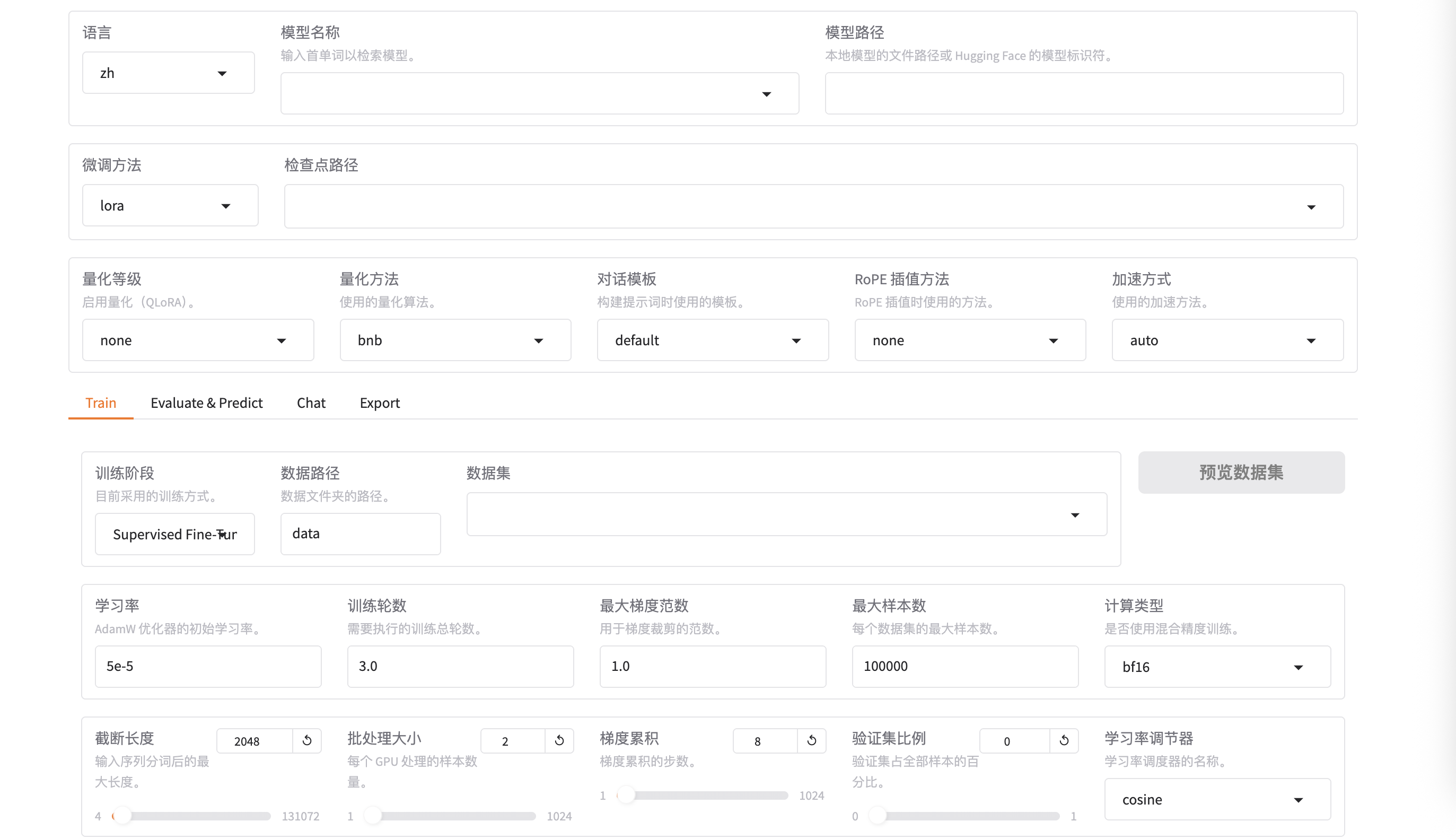
Paste the external address into a browser to open the Webui — pick a model, prepare a dataset, and run LoRA fine-tuning end to end.
Last updated on