
Use the Harbor web console — log in, view push commands, push images
Harbor is an open-source enterprise-grade container image registry providing secure, reliable, and easy-to-manage image storage. This page shows how to manage images via Harbor.
Why use it
While running container workloads in VKS, image pulls can sometimes fail; Harbor gives you a visual tool for managing your images centrally.
Prerequisites
- VKS provisioned, see Provision VKS.
- Image registry provisioned, see Image registry.
Log in to Harbor
After provisioning the registry, you'll have a Harbor URL:
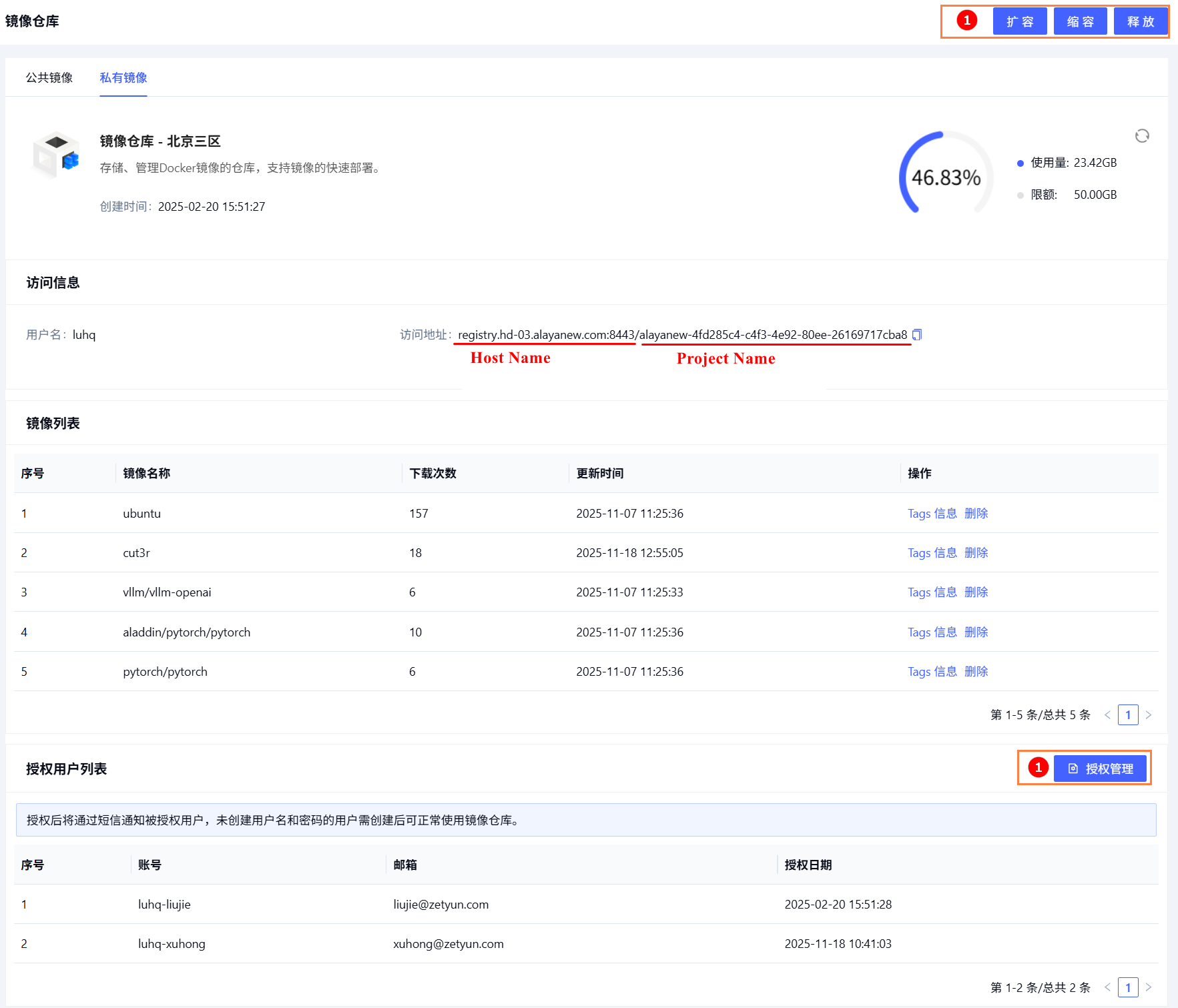
The username and password are sent by SMS.
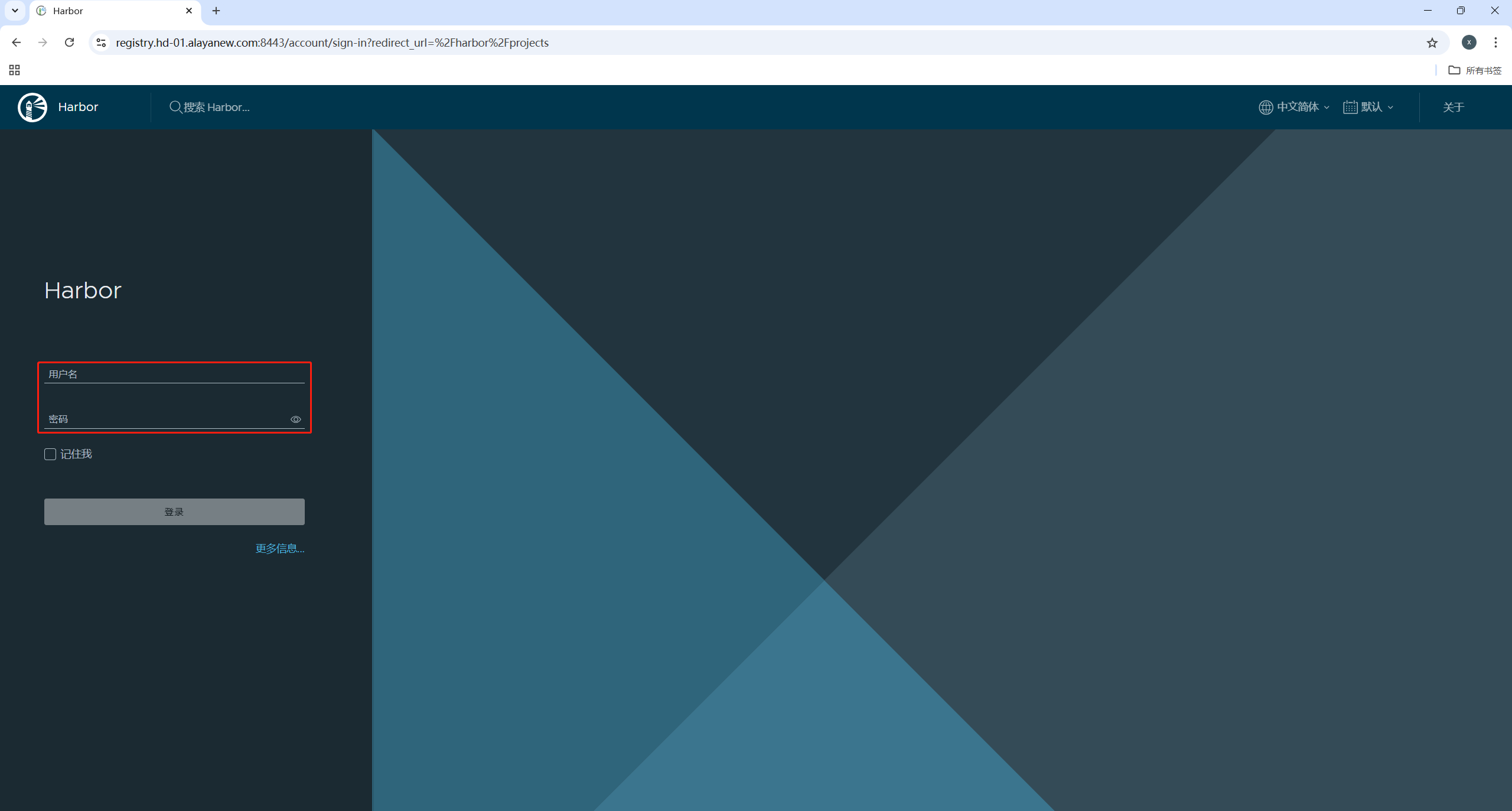
Open {https://[Host Name]} in a browser and sign in.
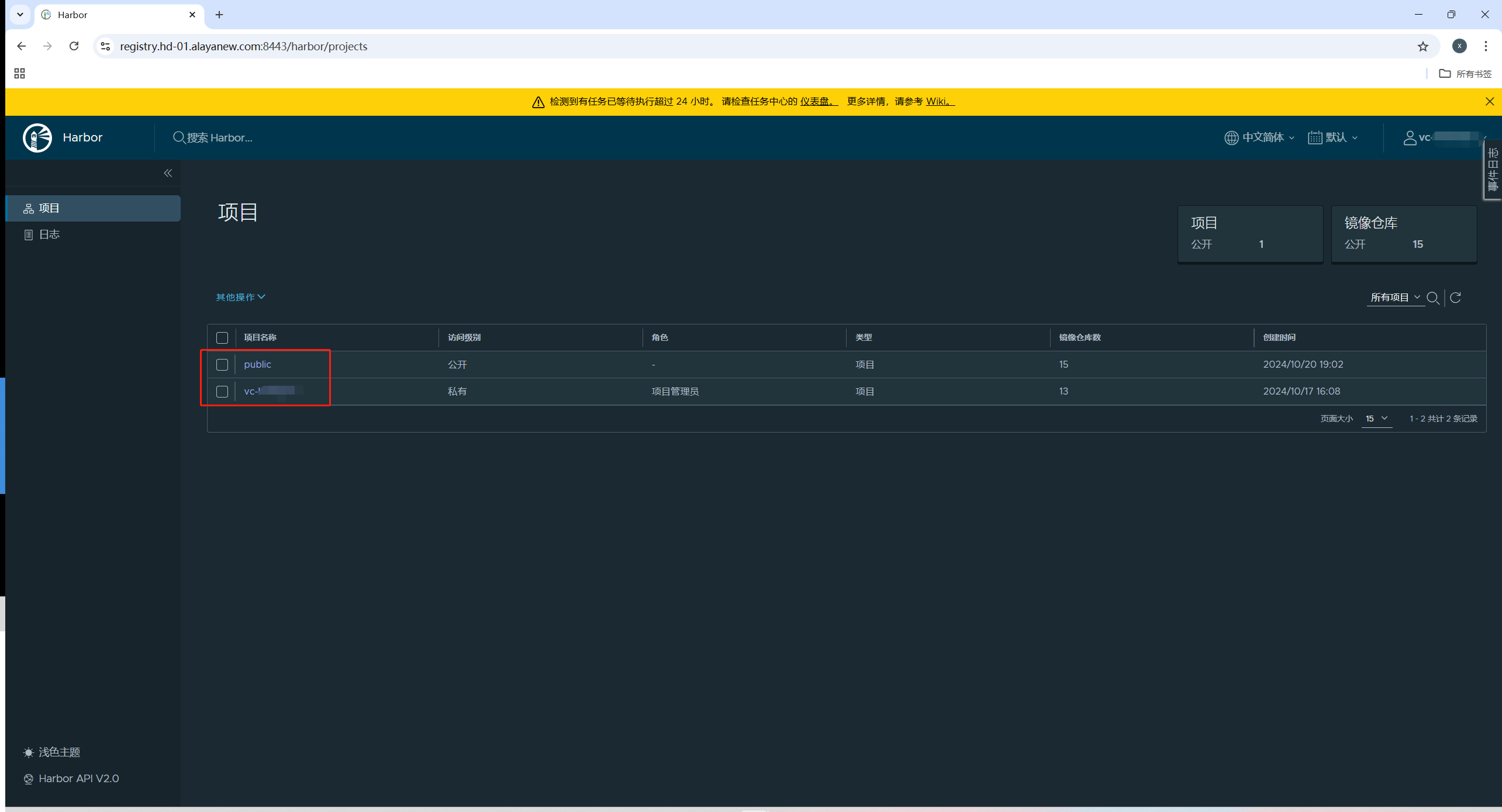
You'll see two projects:
- public — provided by the platform; common public images
- Your enterprise project
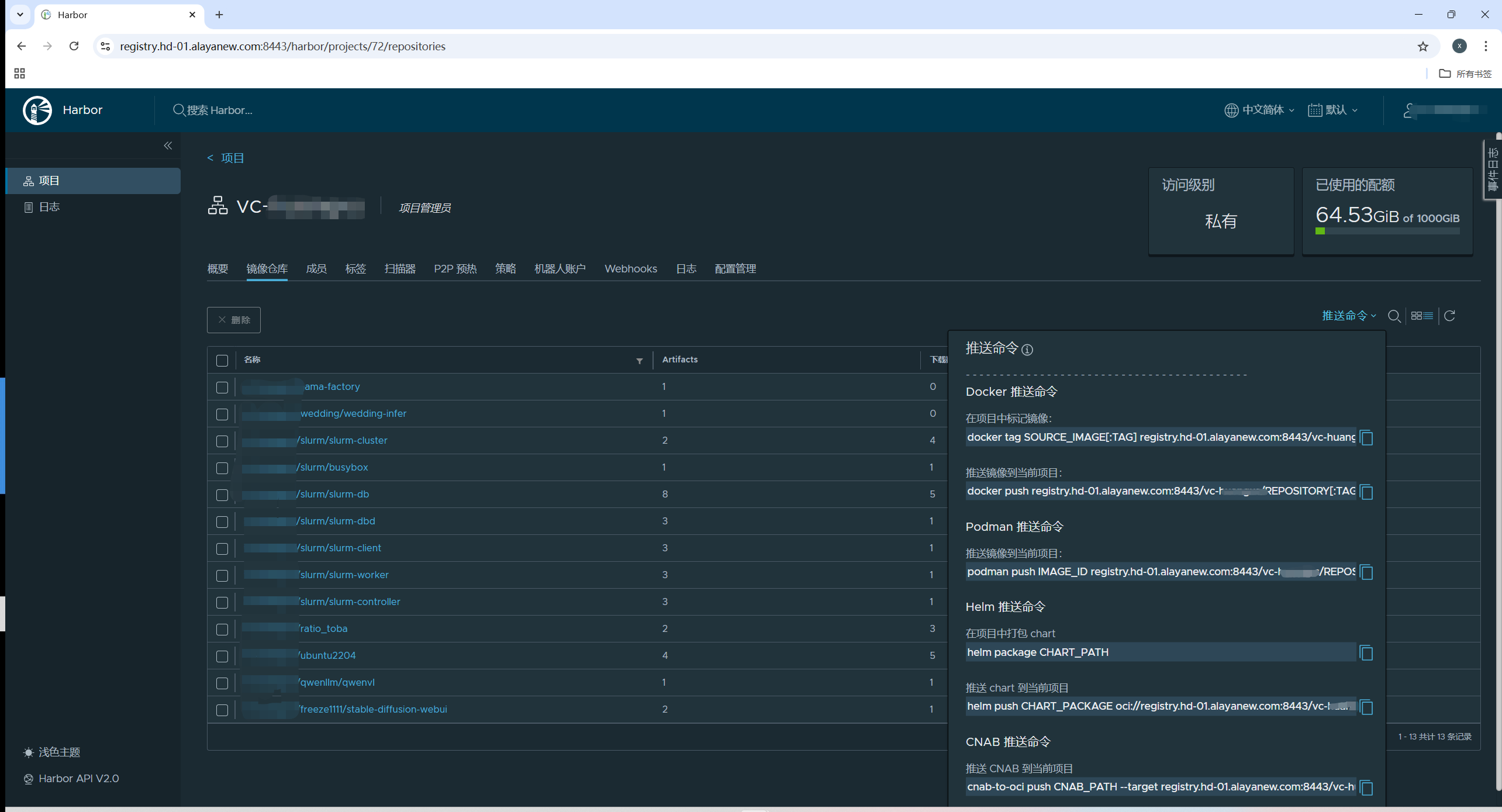
Open your project to see all images:
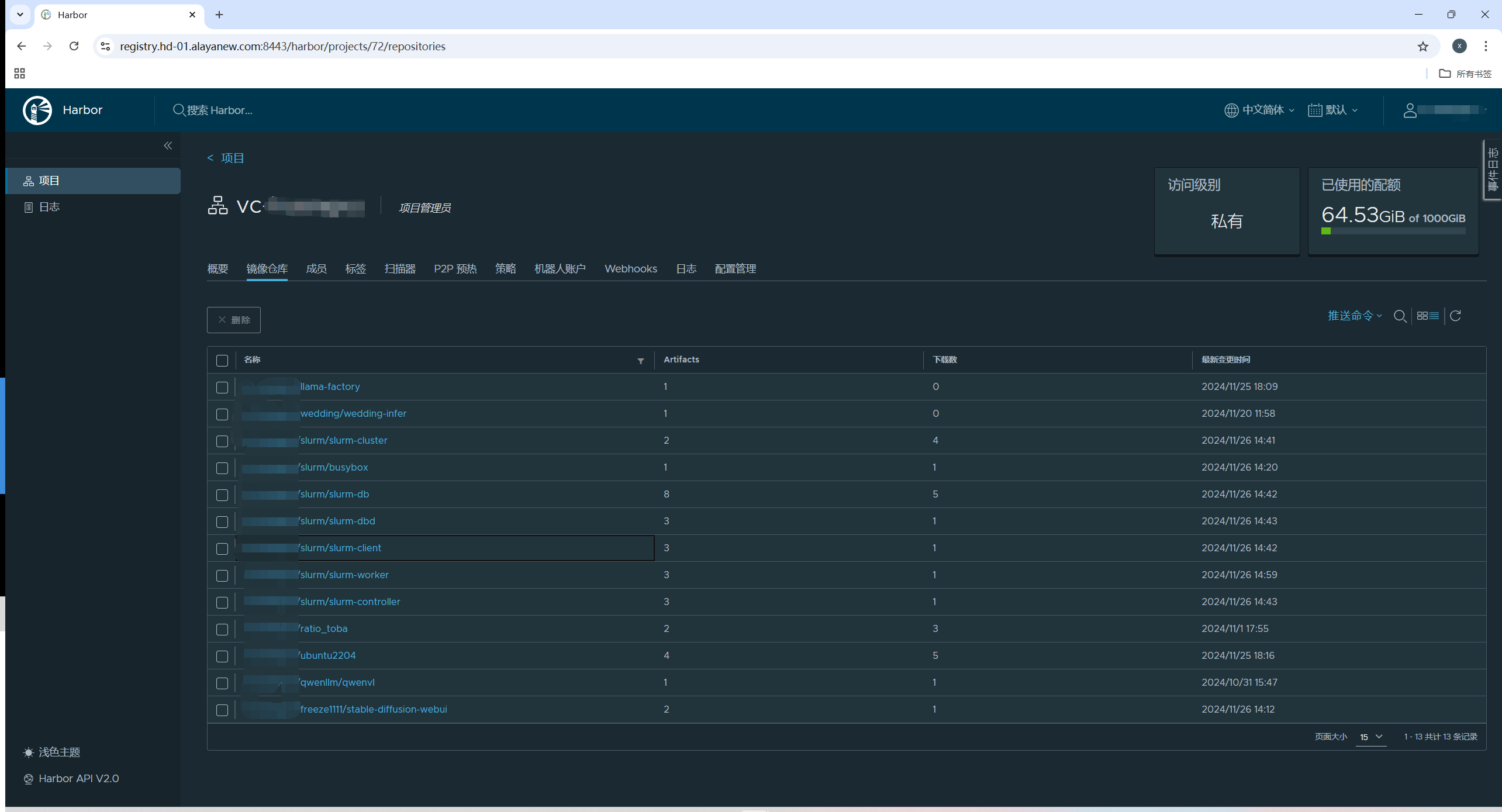
Click Push command to view the supported push methods and example commands:
Push an image
Using ubuntu:22.04 as an example, push an image to your Harbor repo:
# login
docker login {registry-domain} -u user -p passwd

# tag
docker tag ubuntu:22.04 {registry-domain}/user/ubuntu:22.04

# push
docker push {registry-domain}/user/ubuntu:22.04
Keep your username and password safe.
Last updated on