
Job detail
Inspect job basics, configuration, pods, monitoring data, and logs
Each successfully created job has a detail page that exposes basic info, configuration, pods, monitoring, and logs.
Open the detail page
Sign in and go to Product Center → Compute → HyperTrain. Click the job name to open its detail page.
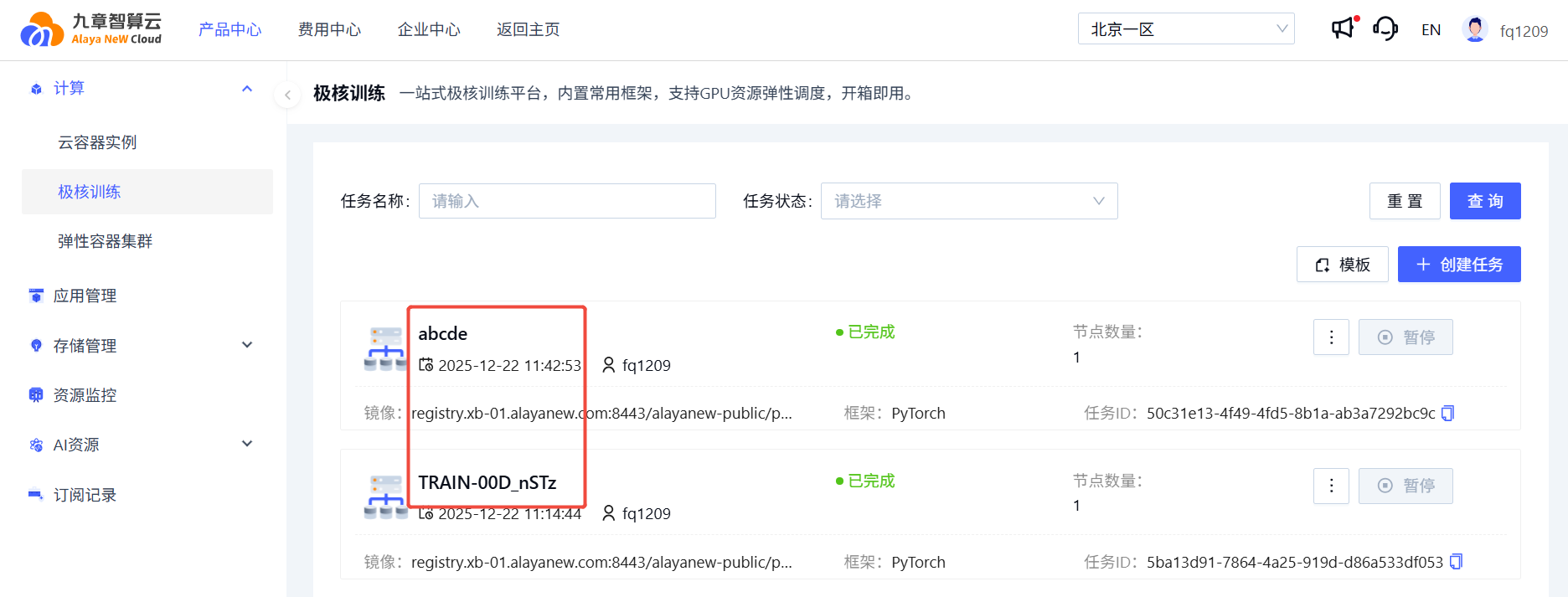
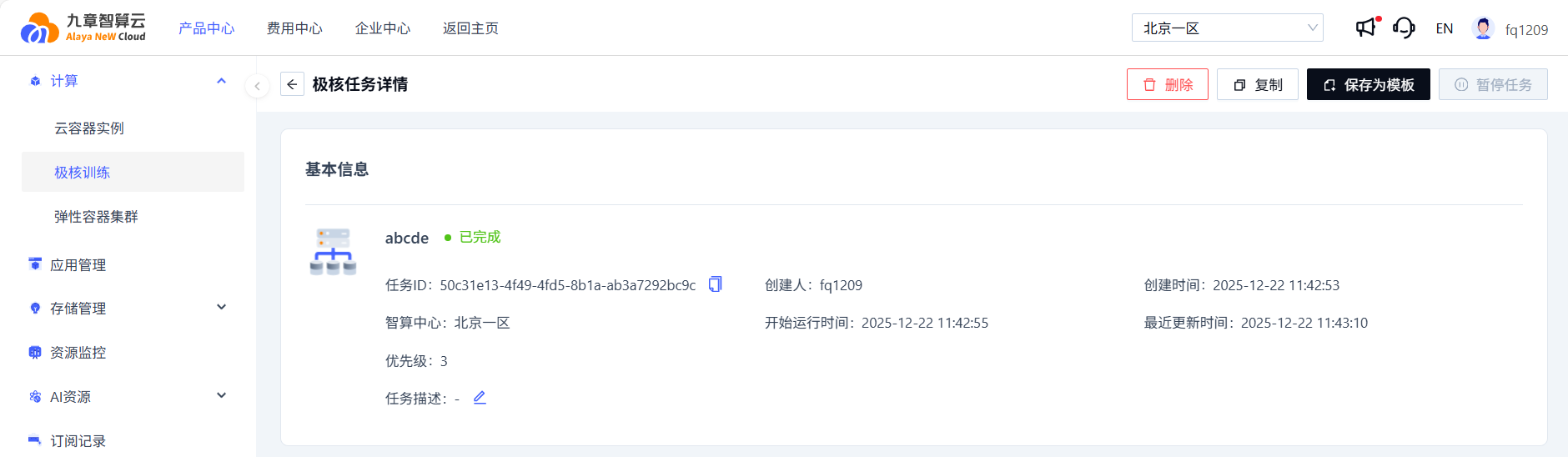
1. Basics
Job name, status, ID, region, creation and runtime info.
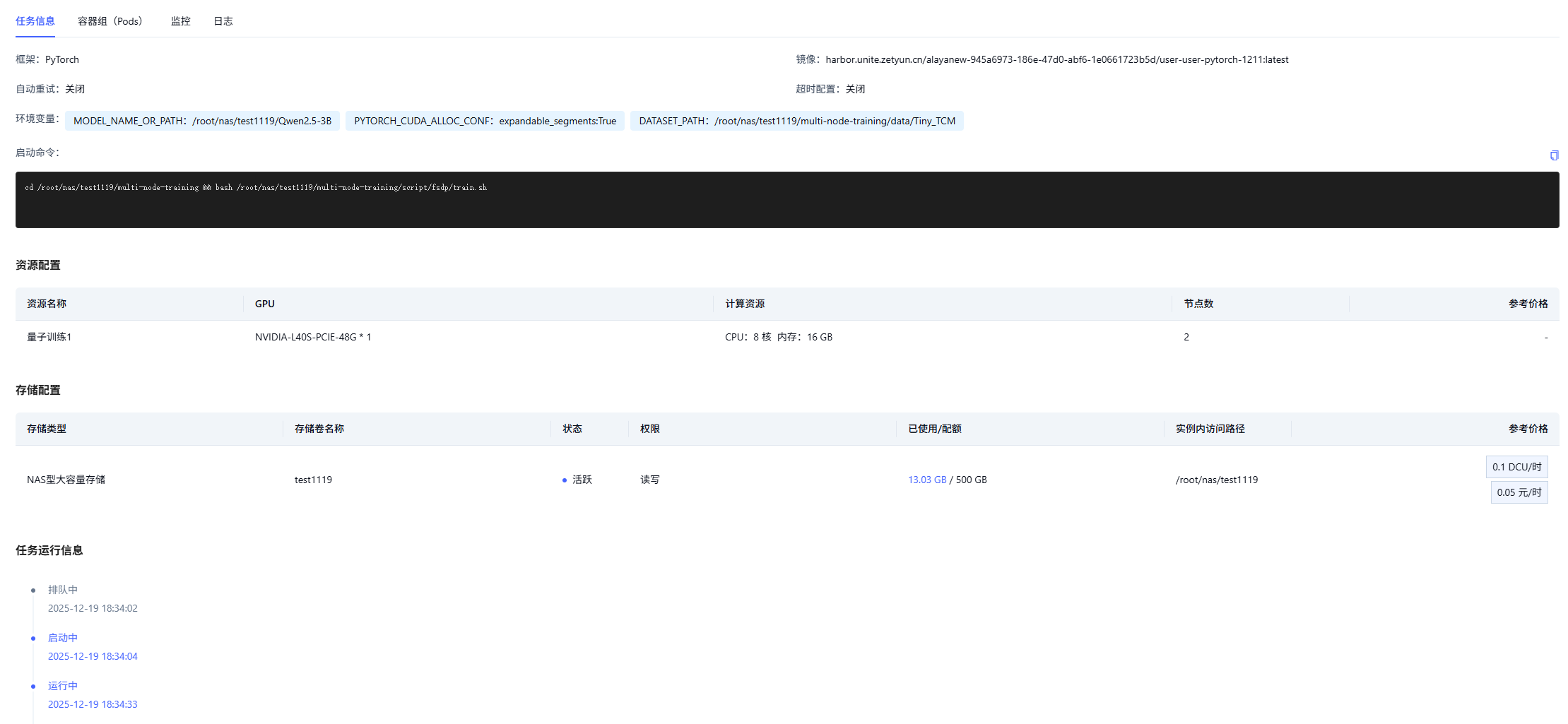
2. Job info
Basic, resource, and storage configuration plus state-transition history.
3. Pods
Pod list and access entry points (web terminal, exposed ports, etc.).

For pod access details, see Pod detail.
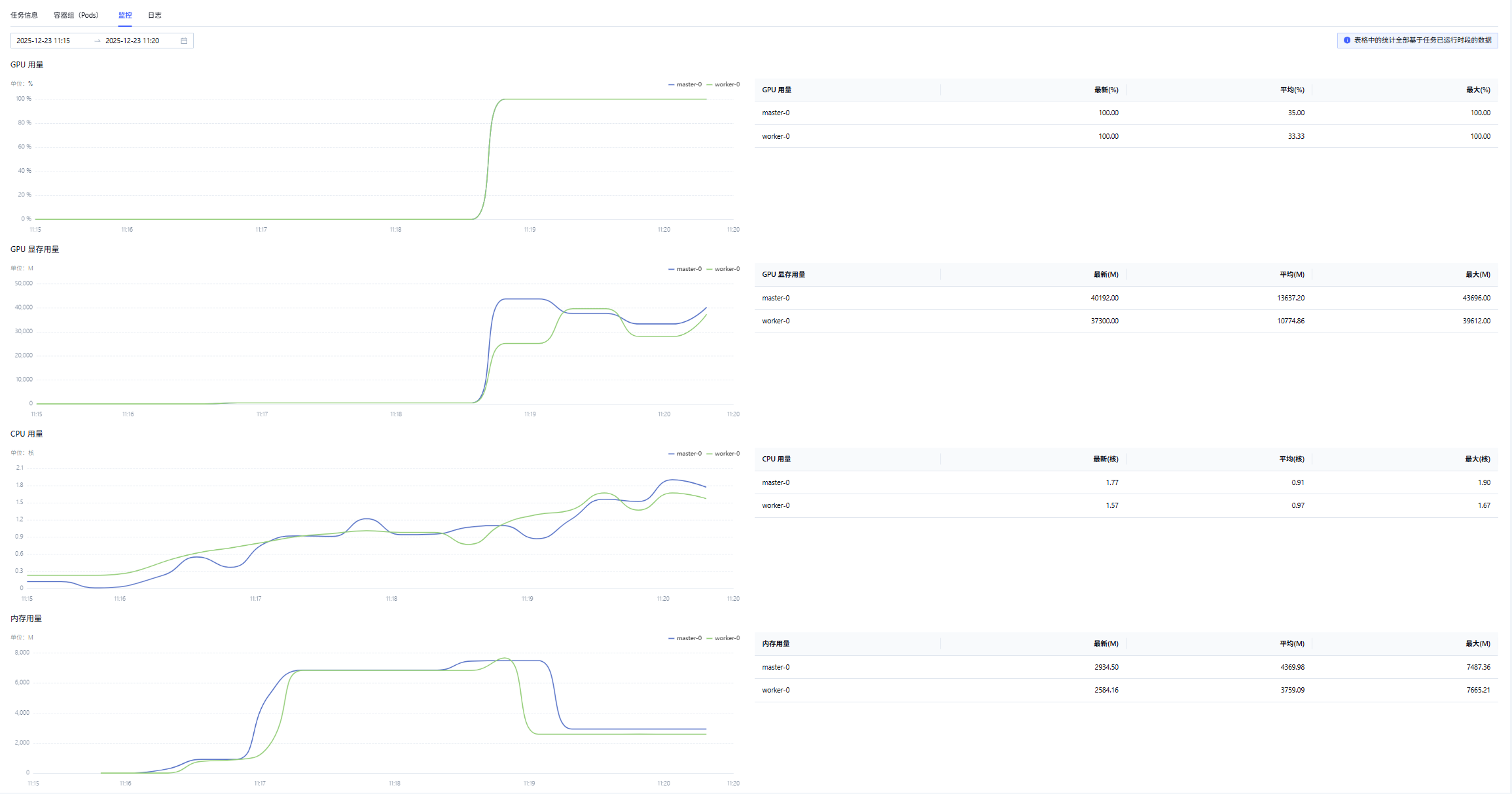
4. Monitoring
- GPU utilization, GPU memory, CPU utilization, and host memory.
- Latest, average, and max values.
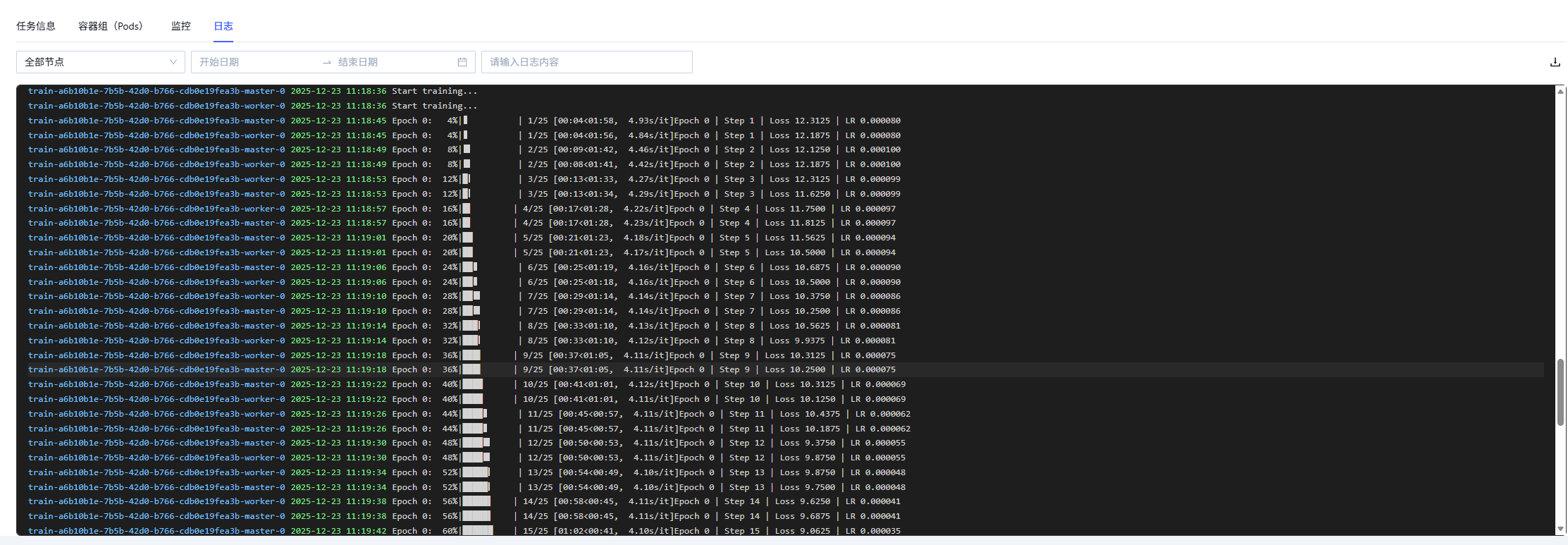
5. Logs
- Logs from every node.
- Downloadable.
Last updated on
Was this page helpful?