
Create a training job
Pick a framework, configure resources, mount storage and image — submit a training job from the HyperTrain console
HyperTrain is a Kubernetes-native distributed training service with built-in PyTorch, DeepSpeed, MPI, and TensorFlow frameworks. The platform abstracts infra, scheduling, and runtime dependencies into a unified service interface — so users can launch training jobs without managing the underlying ops.
Prerequisites
- Compute account DCU balance > 0
- Cash account balance > 0
- The enterprise has provisioned NAS bulk or NAS performance storage in the current data center, with permissions on the current account.
- For private images, the enterprise must have an image registry in the same data center.
Steps
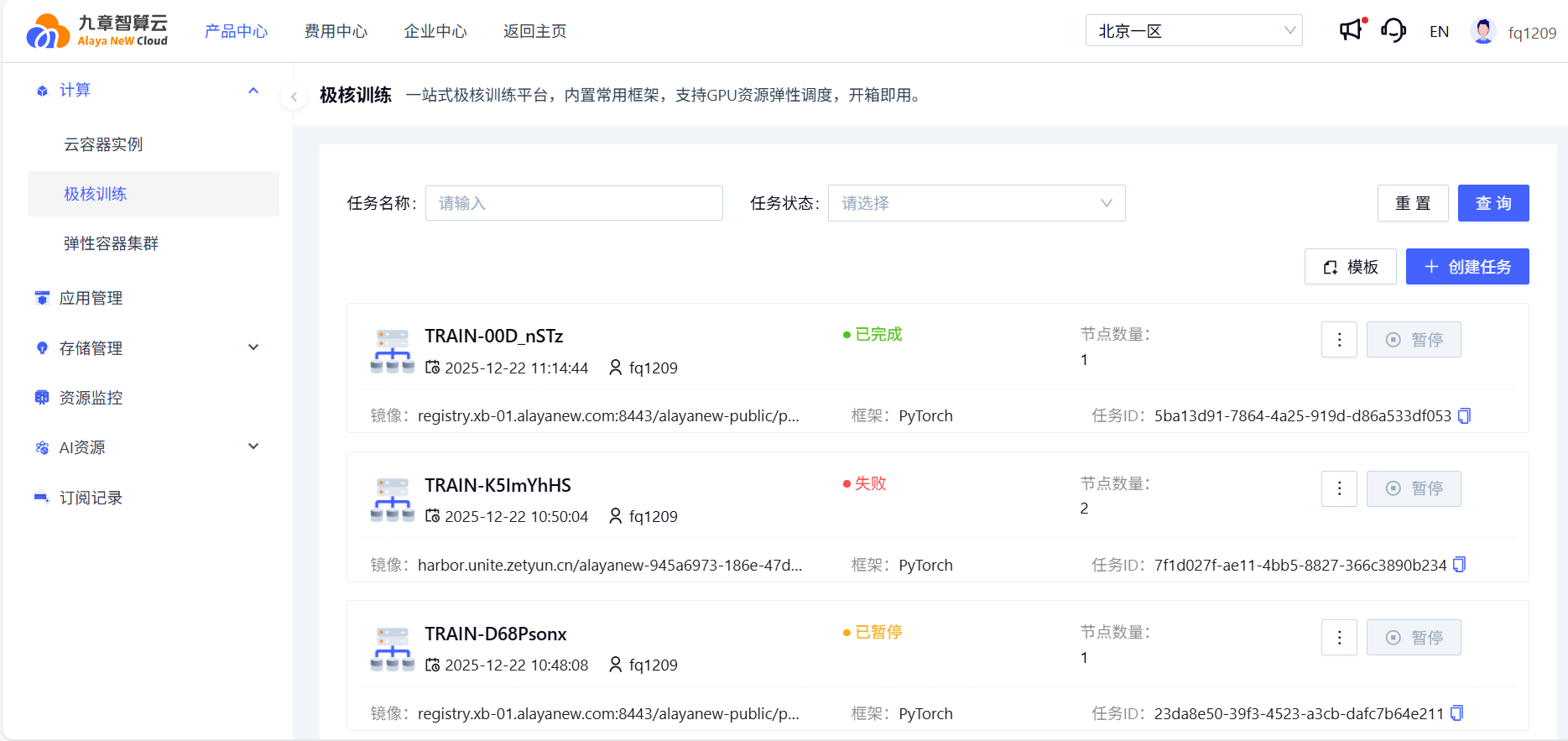
Sign in and go to Product Center → Compute → HyperTrain. Click Activate or Create Job to enter the job creation page.
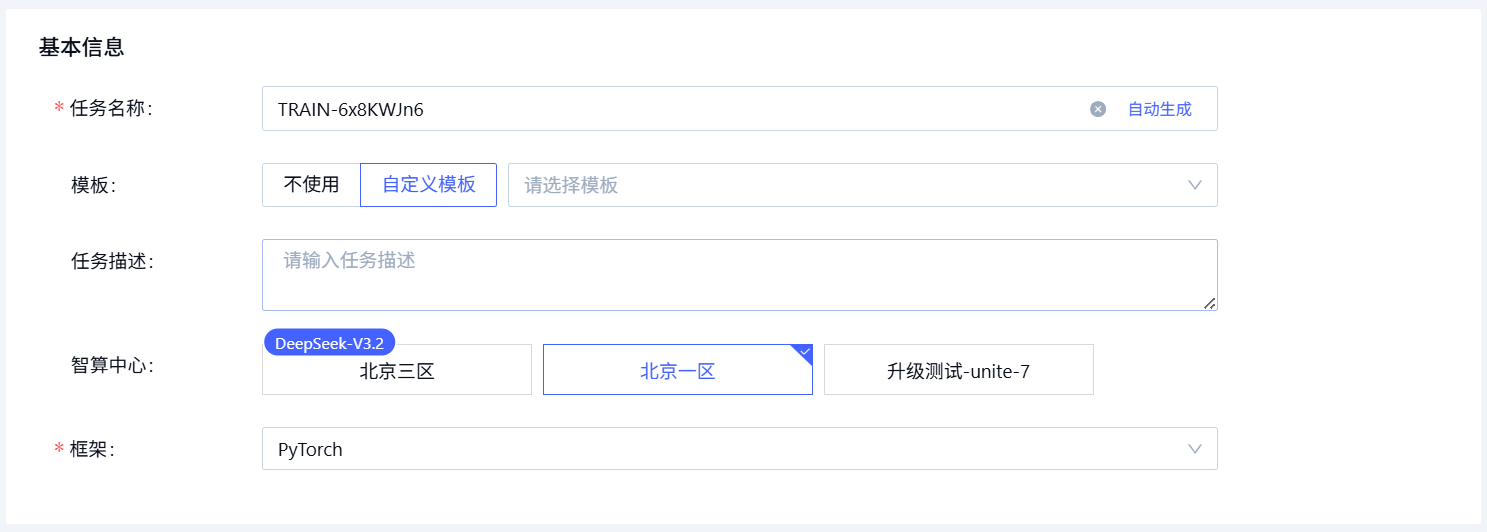
1. Basic information
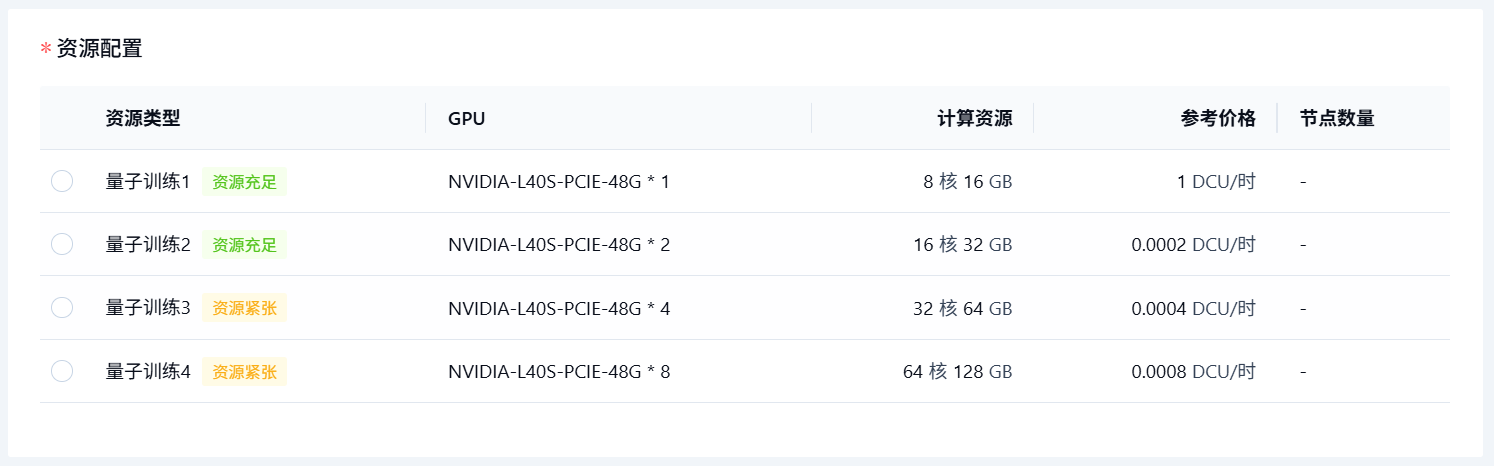
2. Resource configuration
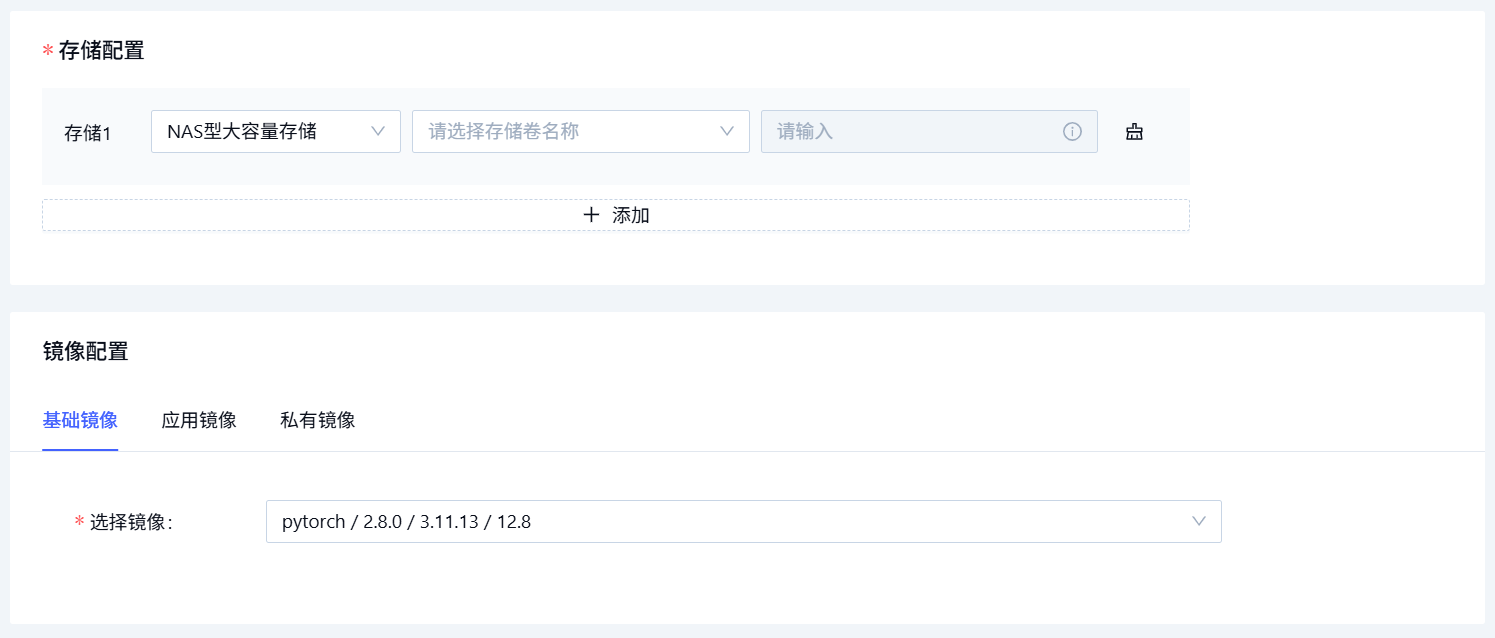
3. Storage and image
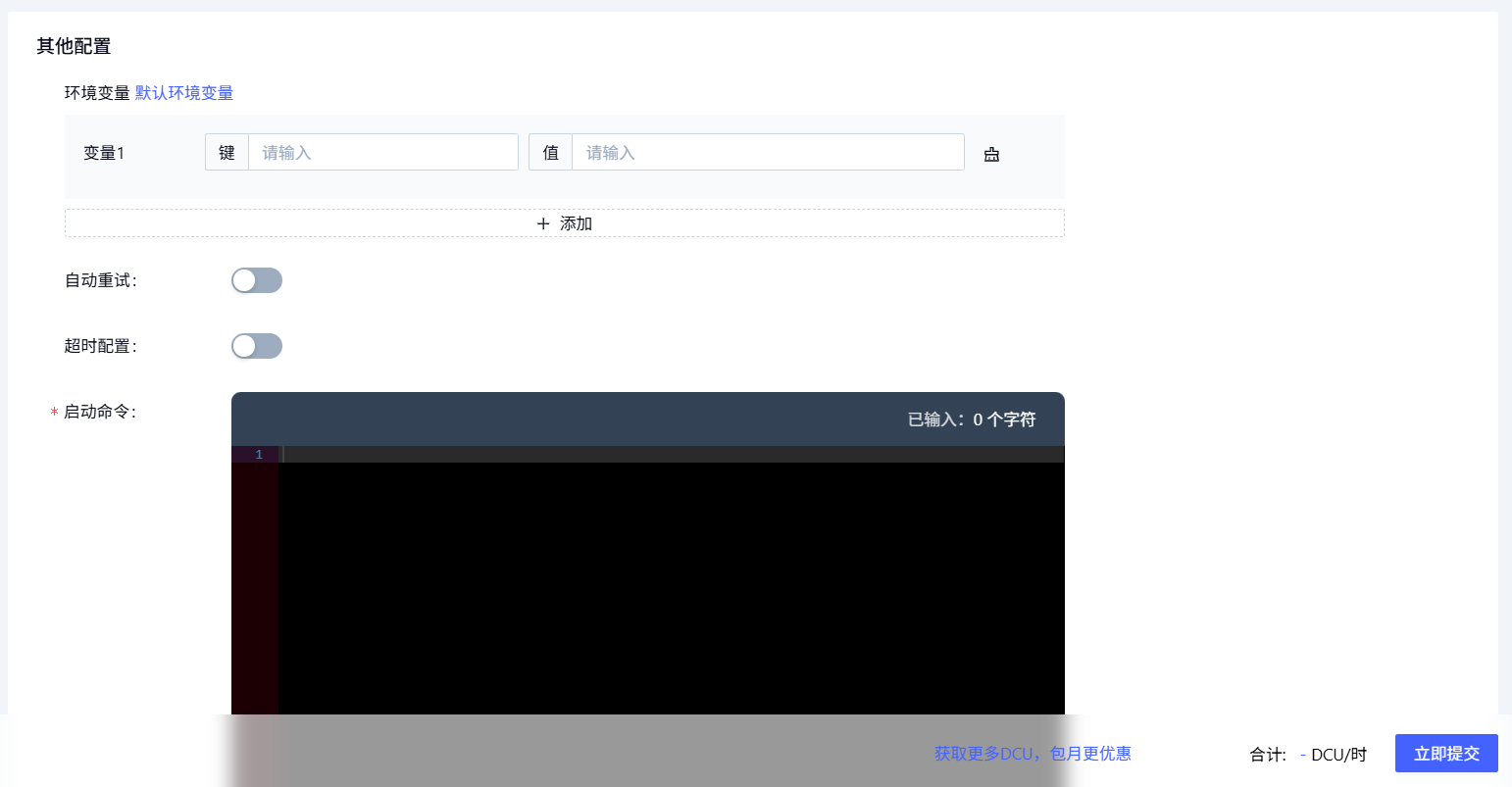
4. Other settings
Submit the job. The job appears in the list page once successfully created.
Field reference
| Field | Description |
|---|---|
| Job name | Auto-generated by default; customizable. |
| Template | Create from an existing template, or skip. |
| Description | Free-form summary of the job. |
| Region | Data center where the job runs. |
| Framework | PyTorch, DeepSpeed, MPI, TensorFlow. |
| Resources | Compute spec and node count. |
| Storage | Storage type and mount path. |
| Image | Choose from base image, app image, or private image. Private = your custom image stored in the enterprise registry. |
| Env vars (optional) | Custom env. The platform also injects system variables automatically. |
| Auto-retry | Retry the job up to N times on failure. |
| Timeout | Hard cap on wall-clock runtime; the job auto-cancels on timeout. |
| Start command | Default working dir for platform images is /root; for custom images the dir set in the image is used. |
| Priority | Applies only to queued jobs. Lower number = higher priority. |
See also
- Job detail — runtime status, monitoring, logs
- Job management — pause, restart, copy, delete
- Template management — reuse job configurations
Last updated on
Was this page helpful?