
Job management
Pause, restart, save as template, copy, delete — plus exception handling when the account runs into overdraft
Operate on existing jobs from the list or detail page.
- Master accounts manage every job created across the enterprise.
- Sub-accounts can only manage jobs they created themselves.
Where to act
Sign in and go to Product Center → Compute → HyperTrain. The action bar lives on the right side of each row in the list page and at the top of the detail page.
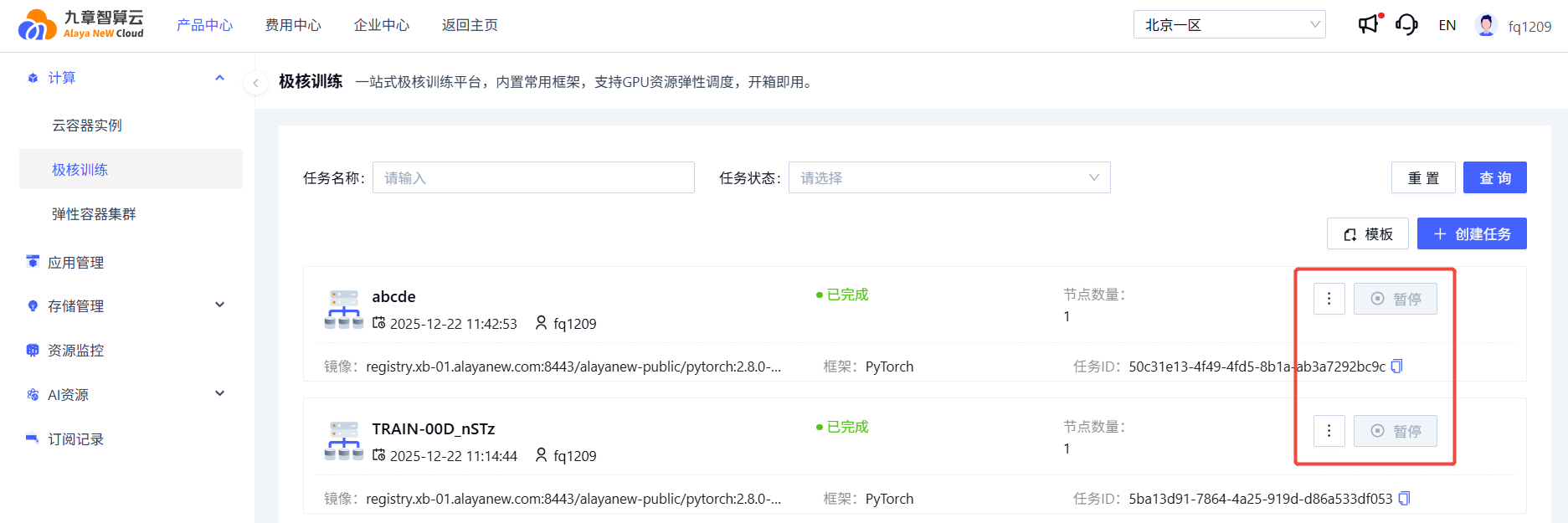
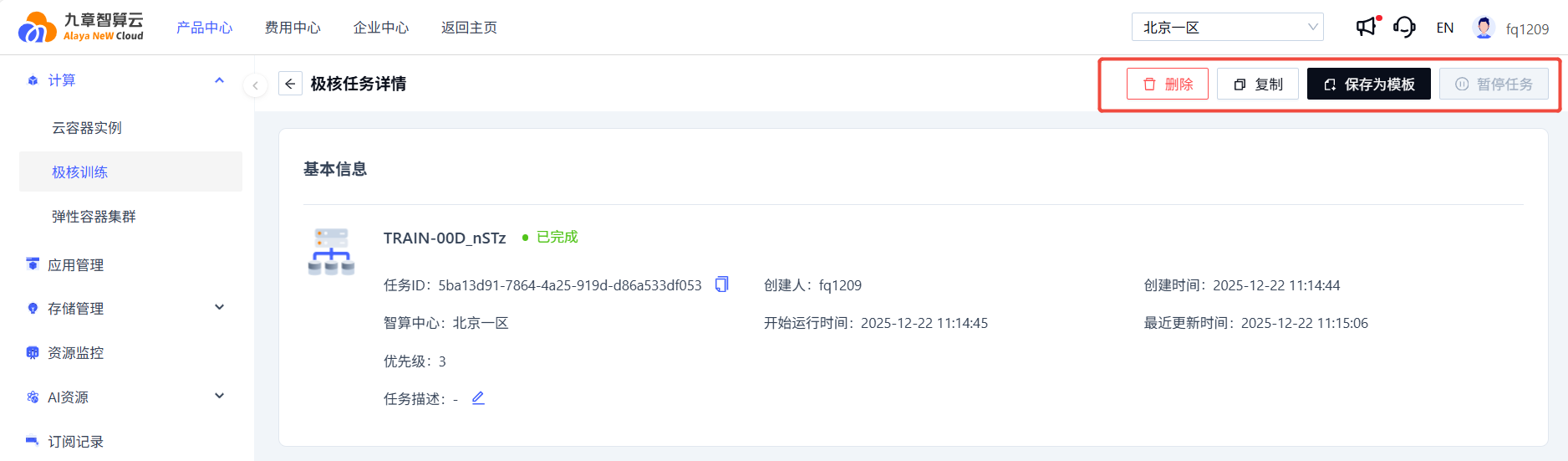
Actions
| Action | Description |
|---|---|
| Pause | Pauses a running job. Charging stops and all pods are deleted. |
| Restart | Restarts a paused or failed job. Pods are re-created and charging resumes. |
| Save as template | Save the current job's basic configuration as a template for one-click reuse later. |
| Copy | Open a new-job form prefilled with the original job's settings; tweak as needed and submit. |
| Delete | Requires confirmation. The job becomes invisible after deletion. |
Exceptions
When the compute account DCU balance falls below 0, all running jobs are automatically transitioned to Paused. Once the balance recovers, you can manually Restart the job.
Last updated on
Was this page helpful?