
Export records
Audit and download exported invoice files
The export records page is the audit log of every invoice export — both compute/storage invoices and token invoices. Files export as standard formats (e.g. Excel) for offline review and archival.
Prerequisites
- An Alaya NeW enterprise account.
- At least one prior export from the invoice detail page.
Overview
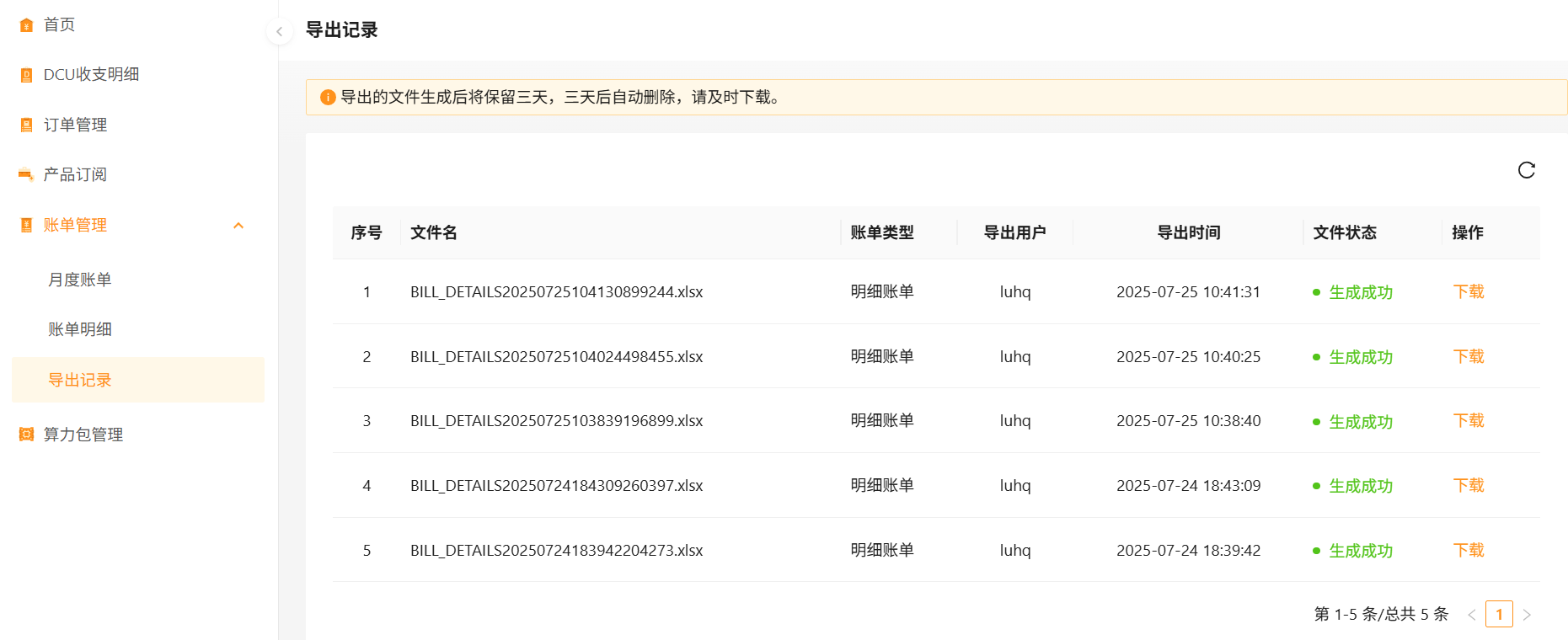
Operations
Download
- Sign in to Alaya NeW. Open Billing Center → Invoices → Export records.
- Find the row of interest and click Download.
Export files are retained for 3 days, then deleted automatically. Download promptly.
Last updated on
Was this page helpful?