
Launch a HyperTrain training job directly from your ALab workbench
ALab supports launching a HyperTrain training job directly from your current environment — useful for moving code that already runs in the workbench into distributed training without rebuilding the env.
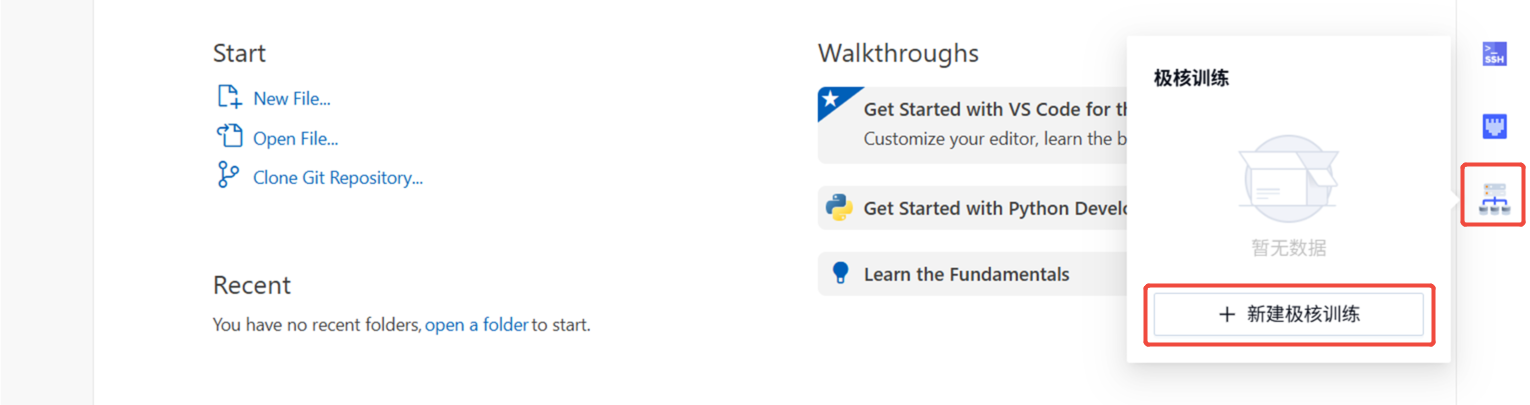
Create a job
Go to Product Center → Alaya Lab → right menu and click New HyperTrain.
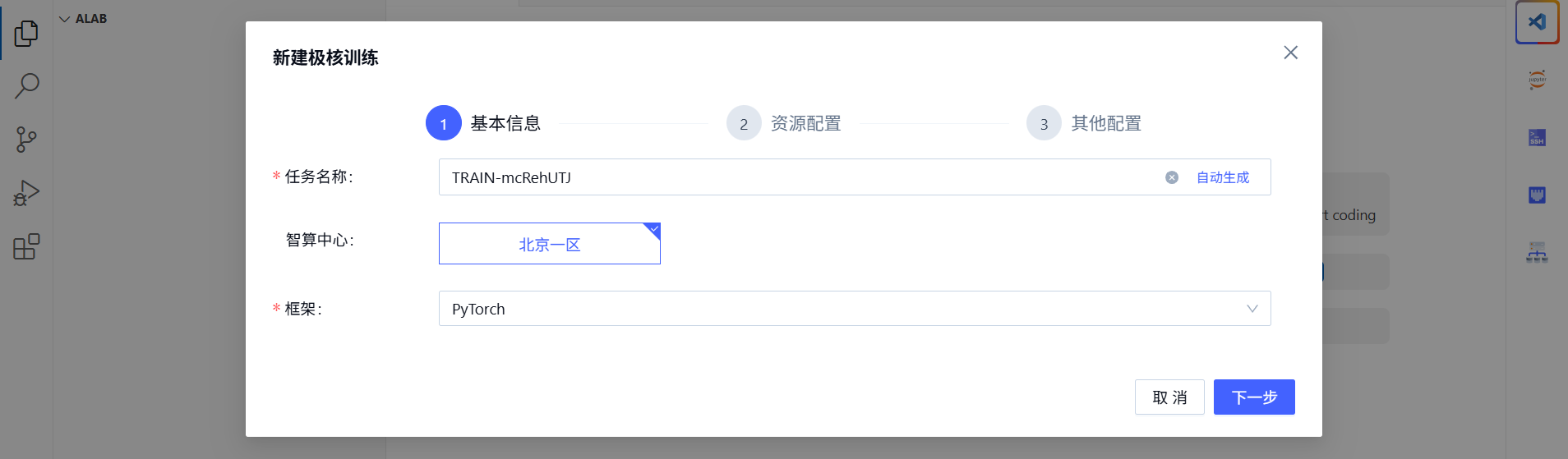
Fill in basic info and pick compute resources:
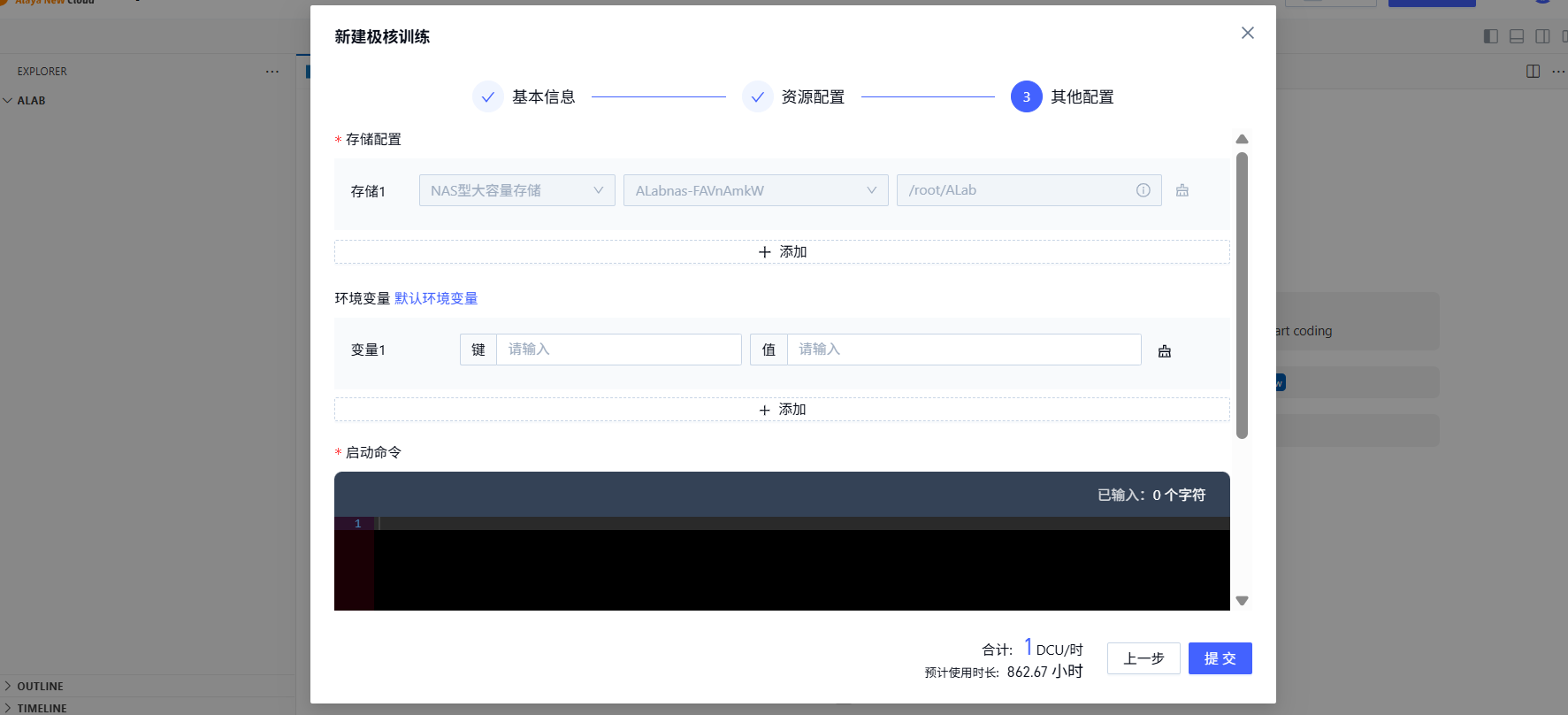
Configure storage, env vars, and the start command:
Inspect the job
Find the jobs created from this ALab under Product Center → Alaya Lab → right menu → HyperTrain list.
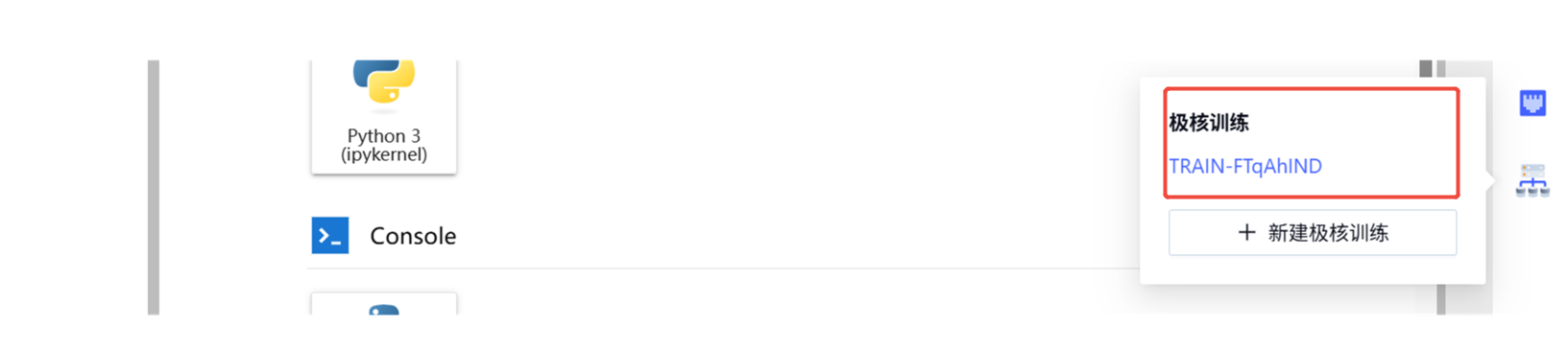
The same job is also visible in Product Center → Compute → HyperTrain — operations are identical to jobs created directly through HyperTrain.

For job operations, see Create a training job, Job detail, and Job management.
Last updated on